The Complete Server Technology Hub
This Server Technology Hub maps twenty five Windows Server and Ubuntu labs in one registry, from first install to production services. First, filter the catalog by platform or topic. Then, copy the exact command each guide starts with. Overall, every card links to a full walkthrough with a free video, so nothing between the plan and the lab bench slows you down.
srv-probe · dc01-primary · 25 LABS · LATENCY 12MS● ALL SERVICES RUNNINGPS> Get-CimInstance Win32_OperatingSystem | Select CaptionPS> Get-WindowsFeature -Name AD-Domain-ServicesPS> Get-Service DNS,SMTP,DHCP
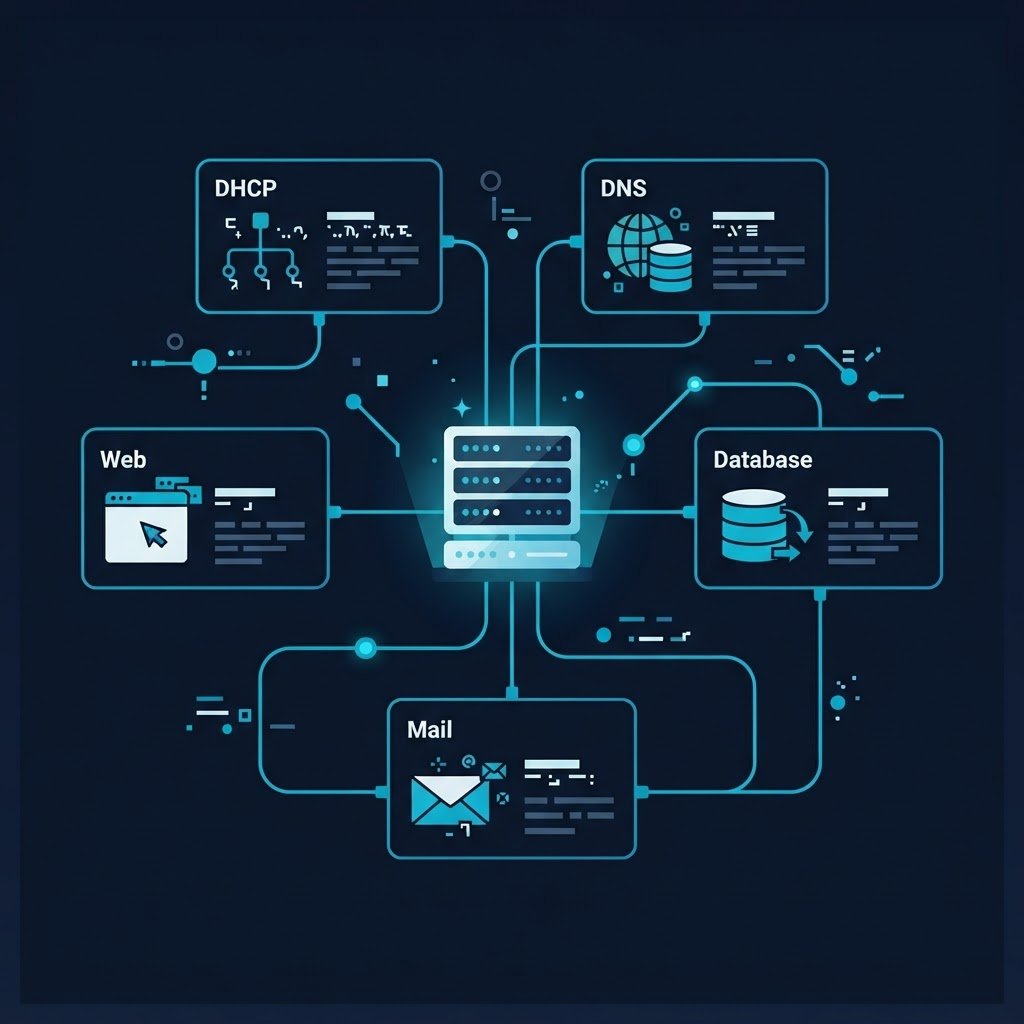
The MNHUDA-SRV Server Technology Hub Registry
Meanwhile, the Server Technology Hub registry below lists all twenty five guides with a stable MNHUDA-SRV identifier, so you can reference a lab the way enterprises reference change tickets. In addition, each card carries its platform, difficulty tier, runtime, and the exact first command. As a result, you can plan a full study weekend before touching the console. However, start with a foundational card if the stack is new to you.
Showing 25 of 25 labs, so nothing in this Server Technology Hub registry hides behind a filter.
WINDOWS SERVER
How to Install and Configure Windows Mail Server (Exchange Server 2016)
Deploys Exchange Server step by step, then configures mail flow and receive connectors.
Setup.exe /PrepareAD /IAcceptExchangeServerLicenseTerms_DiagWINDOWS SERVER
How to Install and Configure Hyper-V in Windows Server 2016
Enables the Hyper-V role, so virtual switches and the first VM follow in one session.
Install-WindowsFeature Hyper-V -IncludeManagementToolsWINDOWS SERVER
How to Create, Manage and Maintain Images for Deployment in Windows Server 2016
Uses sysprep together with DISM, because reusable images save hours on every rebuild.
sysprep /generalize /oobe /shutdownWINDOWS SERVER
How to Implement Data Deduplication in Windows Server 2016
Covers deduplication policies, so storage volumes stay lean on limited disks.
Install-WindowsFeature FS-Data-DeduplicationWINDOWS SERVER
How to Implement Server Storage in Windows Server 2016
Builds resilient storage with pools and tiers, while storage spaces absorb disk failures.
Get-PhysicalDiskWINDOWS SERVER
How to Configure Disks and Volumes in Windows Server 2016
Initializes raw disks, then carves them into volumes with the right filesystem layout.
Initialize-Disk -Number 1WINDOWS SERVER
How to Install and Configure AD DS and DNS in Windows Server 2016
Installs AD DS together with DNS, because the domain needs name resolution on day one of the Server Technology Hub track.
Install-ADDSForest -DomainName lab.localWINDOWS SERVER
How to Install Windows Server 2016 in a Virtual Machine
Walks through a clean Windows Server 2016 install inside a virtual machine, so you get a safe rollback point.
New-VM -Name WS2016WINDOWS SERVER
How to Install ESXi Server
Installs ESXi on bare metal, then walks from BIOS settings to the first client login.
esxcli system versionWINDOWS SERVER
How to Create a Domain Controller in Windows Server 2016
Promotes a member server to a domain controller, so the lab.local forest comes alive.
Install-ADDSForestWINDOWS SERVER
How to Install and Configure a Web Server (IIS) in Windows Server
Enables the IIS web role, then serves a test site on port 80.
Install-WindowsFeature Web-Server -IncludeManagementToolsWINDOWS SERVER
How to Install and Configure a Database Server in Windows Server
Installs MySQL on Windows, and then locks down root access while creating the first database.
mysql -u root -pWINDOWS SERVER
How to Install and Configure a Mail Server in Windows Server 2016
Configures the Windows SMTP service and tests delivery with a live session.
Test-NetConnection -Port 25WINDOWS SERVER
How to Install and Configure a DHCP Server in Windows Server 2016
Sets up DHCP scopes, exclusions, and reservations, so the lab subnet leases cleanly.
Install-WindowsFeature DHCP -IncludeManagementToolsWINDOWS SERVER
How to Install and Configure a DNS Server in Windows Server 2016
Installs the DNS role, then builds forward plus reverse lookup zones, the name-resolution spine of the Server Technology Hub.
Add-DnsServerPrimaryZone -Name lab.localWINDOWS SERVER
How to Create and Manage Users and Groups in Windows Server 2016
Creates users and security groups, while Active Directory tools and PowerShell share the work.
New-ADUser -Name LabUserWINDOWS SERVER
How to Install Windows Server in VMware Workstation
Runs Windows Server inside VMware Workstation, because ESXi hardware is not always available.
vmrun -T ws start lab.vmxWINDOWS SERVER
How to Install Windows Server 2019
Covers the Windows Server 2019 install path, in addition to what changed since 2016.
Get-ComputerInfoWINDOWS SERVER
Windows Server Operating System: An Overview for Beginners
Explains Windows Server editions and licensing, so you pick the right install target.
winverWindows Server Labs: the Server Technology Hub Core Track
UBUNTU LINUX
How to Create and Manage Users and Groups in Ubuntu
First creates a user with adduser, then grants admin rights through the sudo group.
sudo adduser labadminUBUNTU LINUX
How to Install and Configure a Database Server in Ubuntu
Installs MySQL Server on Ubuntu, then secures it with the hardening script.
sudo apt install mysql-server -yUBUNTU LINUX
How to Install and Configure a Mail Server in Ubuntu (Postfix)
Builds a Postfix mail relay on Ubuntu, then tests delivery from the command line.
sudo apt install postfix -yUBUNTU LINUX
How to Install and Configure a Web Server in Ubuntu (Apache)
Serves your first site with Apache on Ubuntu, then confirms it from a browser.
sudo apt install apache2 -yUBUNTU LINUX
How to Install and Configure a DHCP Server in Ubuntu
Configures DHCP leases, so lab machines in the Server Technology Hub receive addresses automatically.
sudo apt install isc-dhcp-server -yUBUNTU LINUX
How to Install and Configure a DNS Server in Ubuntu
Installs BIND9 on Ubuntu, then configures the first authoritative zone.
sudo apt install bind9 -yUbuntu Linux Labs: the Server Technology Hub Open Track
In short, that grid completes the Server Technology Hub registry, so every server operating system lab on the site sits two clicks away. However, if a card mentions a role you have never touched, then start with its foundational neighbor first.
Cross-Pillar Hubs Beyond the Server Technology Hub
Furthermore, the Server Technology Hub sits inside a wider lab ecosystem. Therefore, jump straight into a sibling pillar whenever a lab crosses a platform boundary.
Windows Server Hub
Domain controllers, storage, DHCP, DNS, and Hyper-V blueprints, so one page covers the whole stack.
terminal
Ubuntu Server Hub
Netplan, BIND9, Postfix, and KVM labs on Ubuntu Server 24.04 LTS.
storage
VMware ESXi Bare Metal
ESXi 8.0 installs, datastores, and vCenter from the data center pillar.
cloud
AWS Well-Architected Cloud
Free tier guardrails, IAM, and EC2 labs mapped to the CLF-C02 exam.
Interactive Tools Inside the Server Technology Hub
Similarly, size your hardware, generate configs, and benchmark parts before the install media is even written.
Homelab Hardware Calculator
RAM, disk, and wattage sizing with a bill of materials.
code
Script and Config Generator
Instant Netplan, PowerShell, Kickstart, and CloudFormation templates, so configs render instantly.
table_chart
Hardware Benchmark Matrix
Passmark, watts, and price data, compared across twelve lab platforms.
workspace_premium
Certification Roadmap
A sequential VCP, SAA, AZ-800, and RHCSA study pathway, so the exam order is never a guess.
Official Docs for the Server Technology Hub
Finally, keep the vendor sources close, because lab guides and official docs answer different questions.
Ubuntu Server Documentation
PowerShell Documentation
Postfix Documentation
Server Technology Hub FAQ
What labs does the Server Technology Hub cover?
The hub covers twenty five guides across Windows Server 2016 to 2019 and Ubuntu Linux, including AD DS, DNS, DHCP, IIS, storage, deduplication, Exchange, and Postfix. In short, it is the parent catalog for every server OS lab on the site.
How long does each lab take?
Foundational cards run about 30 minutes, while intermediate builds take roughly 40 minutes. However, advanced labs such as Exchange need around 50 minutes plus a reboot cycle.
Which platform should a beginner start with?
Start with the Windows Server 2016 virtual machine install, because it needs no extra licensing to evaluate. Then, move to the DNS and DHCP pair, since those two services anchor every later lab.
Do the labs work on a single home machine?
Yes, every lab runs on one host with nested virtualization or VMware Workstation. Meanwhile, the homelab hardware calculator confirms your RAM and disk budget before you begin.
Is there a printable study order?
Yes, follow the MNHUDA-SRV identifiers in ascending order for a coherent curriculum. Otherwise, use the filter pills to build a topic sprint, such as storage only.