This homelab hardware calculator sizes your next server lab in seconds. First, you enter how many virtual machines you plan to run and how much memory each one needs. Then, the calculator recommends the exact build from this site’s verified hardware tiers, plus the storage and the monthly power cost. In addition, it warns you when a cluster is required, because high availability changes the hardware math.
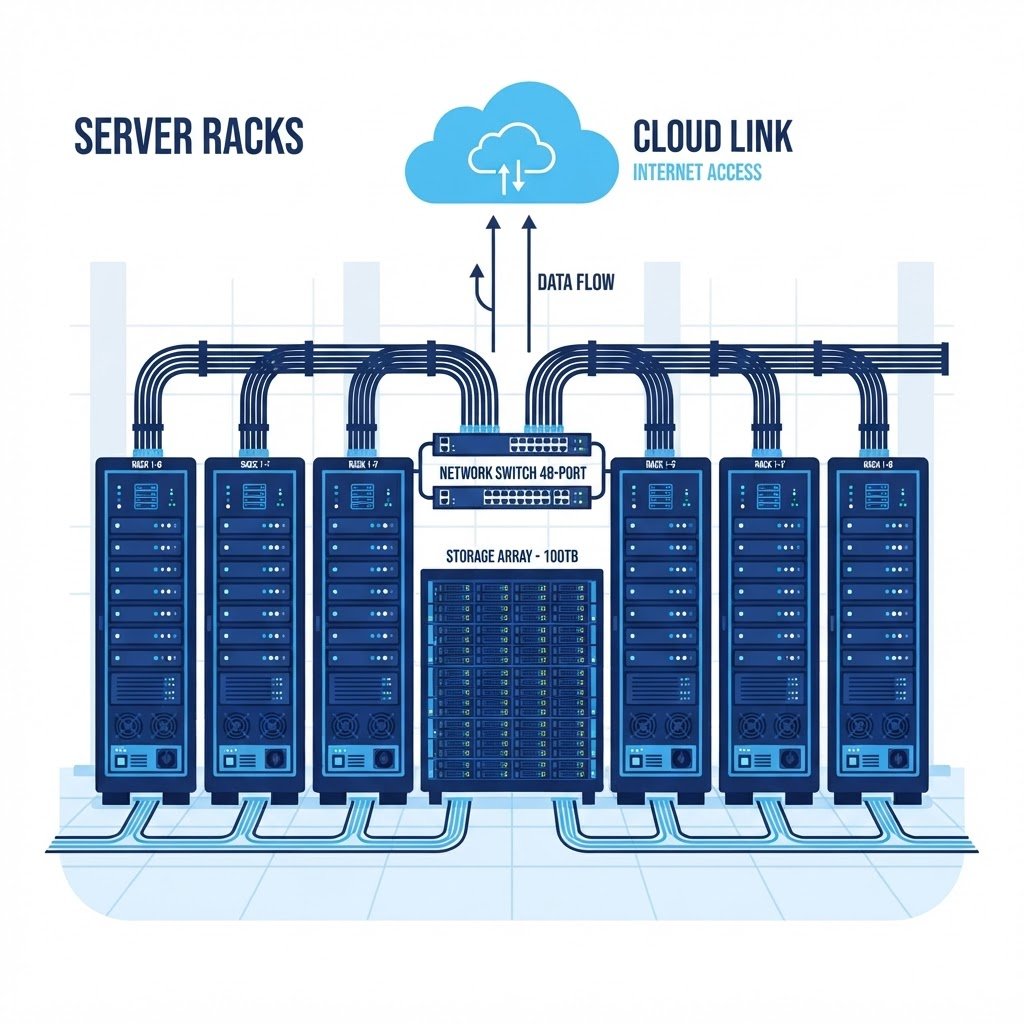
Pick your workload, set the VM count and press Calculate. For example, a four-VM vSphere lab with 8 GB each fits the $350 mini node, while a two-node S2D cluster needs the $950 rack server. In addition, every recommendation below matches the hardware blueprints used across the ESXi and Windows Server hubs, so the result links straight to the tutorials it can run.
$350 · Budget Mini NodeFITS
# computed requirements
memory · 16 GBRAM
storage · 120 GBDATA
# running cost estimate
idle power · 35 W24/7
$3.78 / monthAT 0.15/KWH
# verdict
This build runs every ESXi install and vCenter lab on the Data Center Hub.
Homelab Hardware Calculator Inputs
Set the sliders to match the lab you are planning, and the report panel updates instantly. For example, leave high availability off while you are learning, then switch it on when a VM must survive a host failure. Also, the memory per VM slider follows the real guides: 2 GB for DNS, 8 GB for vCenter and 12 GB plus for Exchange.
How many VMs?
The total count of virtual machines running at the same time.
Memory per VM
GB of RAM assigned to each VM, including the host overhead you add later.
Disk per VM
GB of storage per VM. The engine adds 40% for snapshots and thin growth.
High availability?
Enable clustering when a VM must keep running through a host failure.
Homelab Hardware Calculator Reference Builds
The homelab hardware calculator always recommends from these four tested tiers, because they are the same machines used in the tutorial videos. For example, the free VM host runs the entire Active Directory track on the Windows Server hub, while the 1U rack server mirrors a real branch office from the Data Center hub. Also, each card lists the idle watts the power estimate uses.
Free VM Host
VMware Workstation on the PC you already own runs every single-host lab on the site.
- memory 16 GB host RAM
- bolt 0 W added idle
- verified No new purchase
Budget Mini Node
A Lenovo M720q Tiny or HP EliteDesk 800 G4 runs ESXi or Windows Server bare metal.
- memory 32 GB DDR4
- bolt 35 W idle power
- verified Single host labs
Compact Cluster Node
The Minisforum MS-01 pairs dual 10GbE SFP+ ports with a 13th-gen Intel CPU.
- memory 96 GB DDR5
- bolt 45 W idle power
- verified 2-node clustering
Enterprise 1U Rack Server
A used dual-Xeon or EPYC 1U with redundant IPMI runs the S2D storage cluster.
- memory 128 GB ECC
- bolt 120 W idle power
- verified Production-like HA
Watch the Builds on YouTube
Each reference build has a companion video walkthrough. For example, the mini node series mirrors the ESXi install guide step by step. In addition, the channel covers the cabling, BIOS and power settings the calculator cannot see. Meanwhile, subscribe once and the new builds find you.
Homelab Hardware Calculator Questions
Does the calculator include host overhead?
Yes, it does. The engine adds 4 GB for the hypervisor or host OS before rounding the total up to the next sensible memory size. Because hosts also cache, the estimate stays realistic instead of optimistic.
Why does the storage total grow by 40%?
Snapshots, updates and thin provisioning all consume extra space over time. Therefore, the calculator plans for growth up front, so your first datastore never fills during a lab.
Is the power estimate accurate?
It is close. The watts per tier were measured on the real builds in these hubs, and the monthly figure assumes 24/7 operation at 0.15 dollars per kWh. However, your local rate may differ, so treat it as a planning guide.
Which hub should I follow after sizing?
Follow the hub that matches your workload. For example, ESXi and vSphere labs start on the Data Center hub, while Active Directory tracks begin on the Windows Server hub. After that, the tutorial grids on each hub take over.
In short, this homelab hardware calculator turns a guess into a plan. Set the VM count, check the recommended build and start the matching hub track. For example, a four-VM lab with 8 GB each is one $350 mini node away. Finally, bookmark the tool, because labs grow and the math changes with them.
Homelab Hardware Calculator Turnkey BOM
The bill of materials below turns each homelab hardware calculator tier into a shopping list. However, prices drift, so treat the totals as planning numbers rather than quotes. For instance, the budget tier stays under 400 dollars, while the enterprise tier doubles the node count for cluster redundancy.
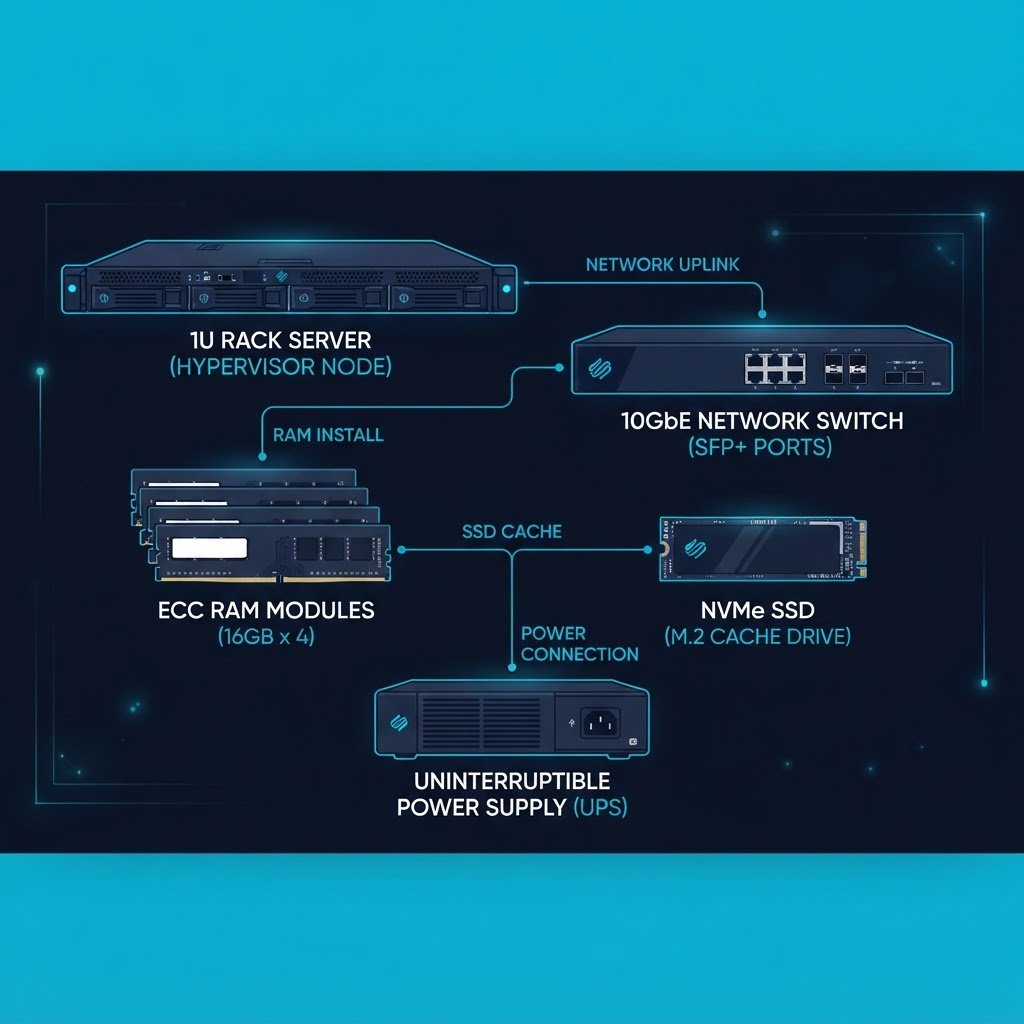
Mini lab tier parts list
One low-power node that runs the virtualization basics. Additionally, it sips about 15 watts idle. However, it tops out at a single host, so the cluster labs need the enterprise tier instead.
- ▸Minisforum or Beelink mini PC, 32 GB RAM, 1 TB NVMe: $330
- ▸USB 3.0 SSD for backups, 1 TB: $75
- ▸2.5 GbE USB adapter: $25
- ▸CyberPower 600 VA UPS: $55
Estimated total: $485 with the UPS, or $355 without it
Cluster-ready tier parts list
A pair of 1U servers sized by the homelab hardware calculator for HA clusters. Meanwhile, used enterprise gear keeps the price sane. Therefore, order matched pairs, because HA wants identical NICs in both nodes.
- ▸2x Dell PowerEdge R630 or HP DL360 Gen9, 128 GB ECC RAM each: $900
- ▸4x 1 TB enterprise SSD, RAIDZ2 or mirror pairs: $260
- ▸10 GbE SFP+ NICs and DAC cables for the pair: $120
- ▸CyberPower 1500 VA PFC UPS: $190
Estimated total: $1,470 with the UPS and storage, or about $950 for the pair alone
Besides the parts, budget one evening for cabling and another for the first boot checklist. Then, before you order anything, run the numbers through the calculator panel above, because your VM count drives RAM and disk more than any spec sheet. For example, twenty VMs at 8 GB each changes the enterprise tier from comfortable to tight. Afterwards, bring the BOM to the community for a peer review. In addition, pair the build with the script and config generator, so the deployment files arrive the same evening as the hardware.
Build a physical ESXi server
Bare-metal install guide for the enterprise tier nodes.
VMFS datastore setup
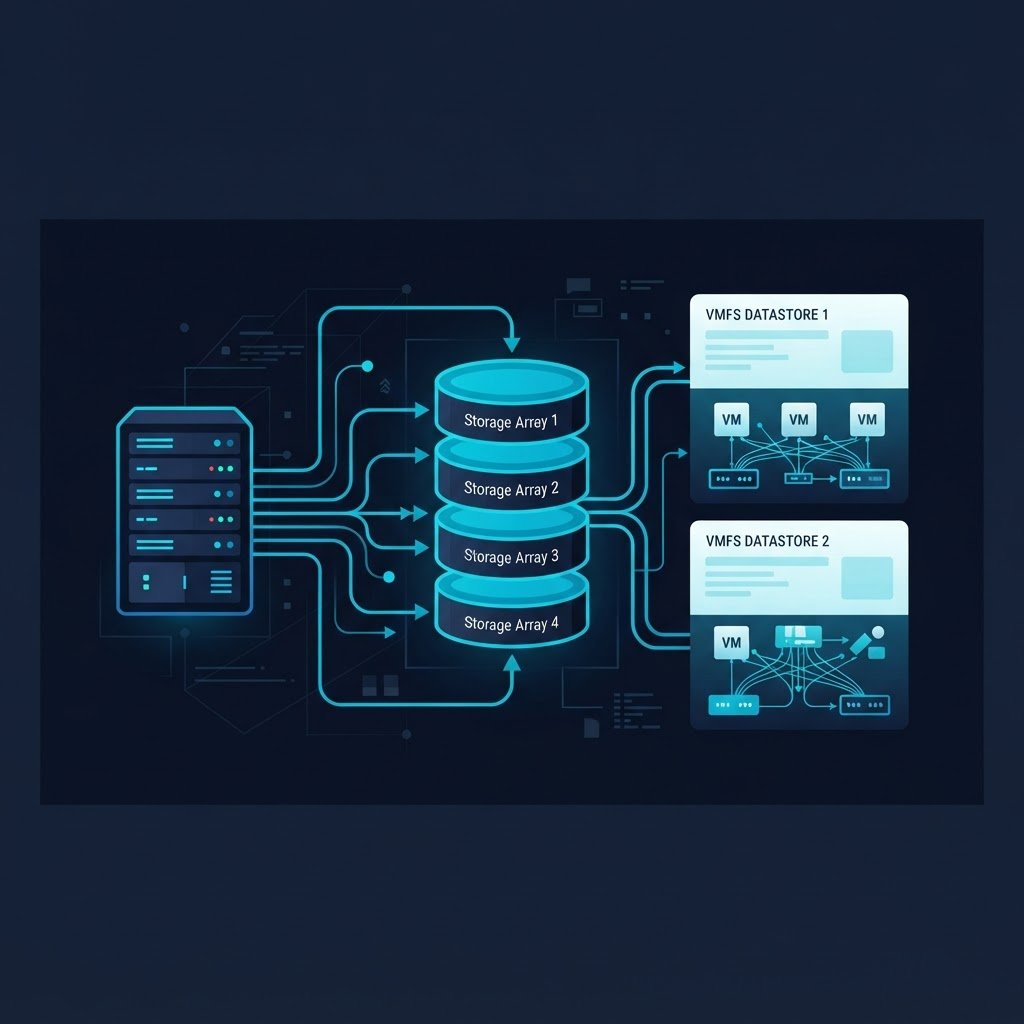
Present the tier storage to ESXi as a datastore.
Hyper-V host install
Use the budget node as a Hyper-V lab host instead.
Certification roadmap
Map the finished build to exam labs next.
Hardware Benchmark Matrix
Compare CPU scores, RAM ceilings, idle power and price per point before you buy.
Technology Topic Directory
Then, search every published guide by keyword, pillar and level from one page.