These cloud computing resources collect every AWS lab on the site into one structured hub. First, you open a free tier account with billing alarms in place. Then, you tour the global infrastructure, core services and hands-on builds in the order an architect would learn them. In addition, every guide below keeps the budget at zero, because a surprise cloud bill is the fastest way to abandon a lab.
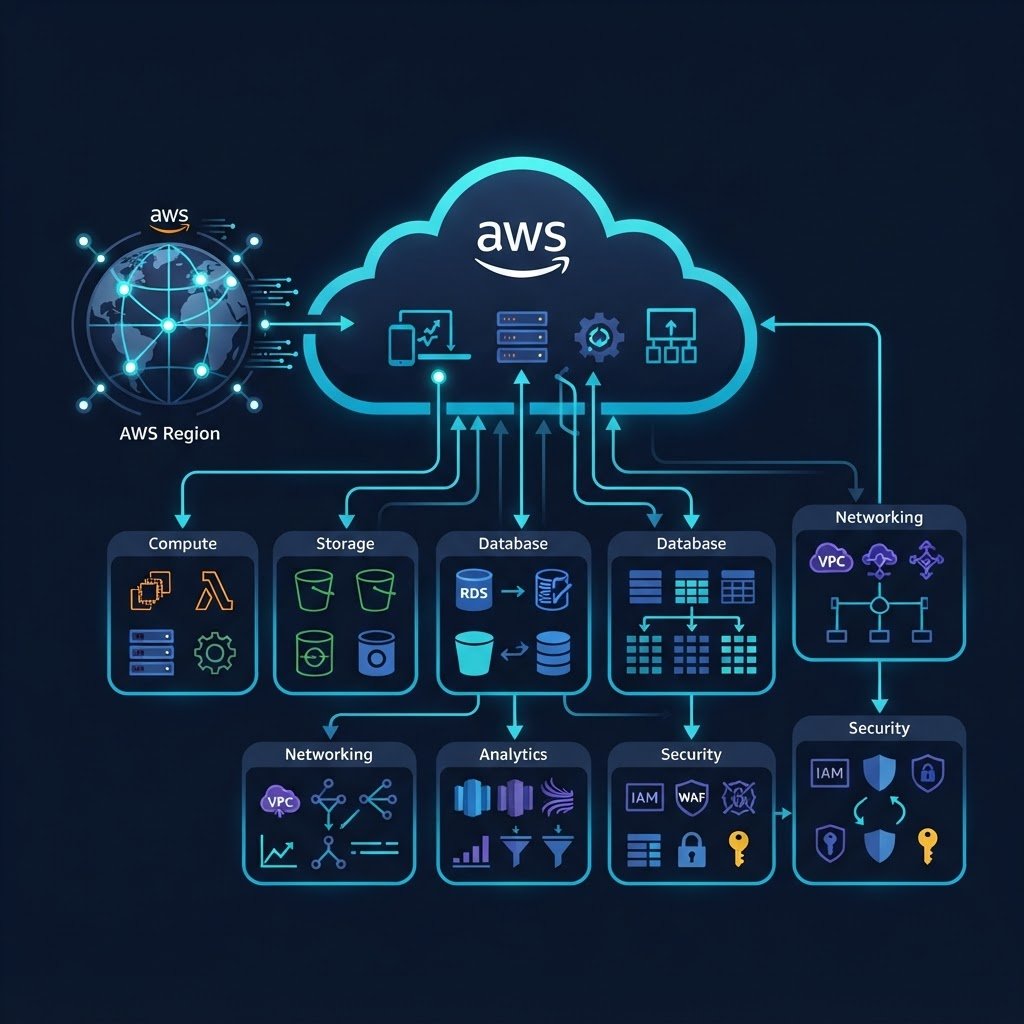
This AWS Cloud Hub takes you from a zero-cost account to a working cloud project. For example, you start with IAM hardening and global infrastructure, then build EC2, S3 and database services that mirror production. In addition, the Zero-Surprise protocol below keeps every lab inside the free tier, so nothing on this page can bill you by accident.
iam-root-guardMFA ON
vpc-lab-01PRIVATE
ec2-t2-microMONITOR
s3-static-siteSECURE
# cloudwatch budget alarm
billing alarm · threshold $1.00SNS HOOKED
The Zero-Surprise Free Tier Protocol
A free tier account is only free when it cannot bill you by accident. Therefore, every lab in these cloud computing resources ships with four guardrails, and you switch them on before the first service is built. For example, the billing alarm below fires long before a card is ever charged.
Zero-Dollar Alarm
A CloudWatch billing alarm fires at a $1.00 threshold and emails you through SNS, so a surprise bill never lands.
- notifications_active SNS email hook
- bolt $1.00 threshold
- verified Set on day one
VPC Lockout
Because default VPCs invite accidental public resources, every lab builds inside one private, locked-down VPC instead.
- lock No public subnets
- settings_ethernet Single lab VPC
- verified Clean teardown
Auto-Shutdown
A scheduled action stops every EC2 instance each evening, so idle hours never turn into a metered surprise.
- schedule Nightly stop
- memory t2.micro sized
- bolt Zero idle cost
Cost Anomaly Watch
AWS Cost Anomaly Detection studies your daily spend with machine learning and pings you when usage deviates from zero.
- monitoring ML detection
- notifications_active Daily alert
- verified Free service
Curated AWS Learning Pathways
These four phases take you from a freshly minted account to a portfolio project. First, you harden the account and learn the map. Then, you build core services. Next, you ship real workloads. Finally, you turn the whole journey into guided cloud computing resources for your own projects.
01 · PHASE4 guides
Foundation & IAM Hardening
Open a free AWS account safely: root MFA, IAM users, billing alarms and the global infrastructure map.
- check_circle Free account with MFA
- verified Regions and AZs map
- task_alt Service category tour
Explore Phase 1 →
02 · PHASE3 guides
Core Services Fabric
Build the big three: S3 object storage, managed databases and your first EC2 instance with a security group.
- check_circle S3, EBS and Glacier
- verified RDS and DynamoDB
- task_alt EC2 launch walkthrough
Explore Phase 2 →
03 · PHASE2 guides
Hands-On Build Labs
Ship a real static website on S3 and protect EC2 with AWS Backup, the same way production teams do.
- check_circle S3 static website
- verified AWS Backup plans
- task_alt Restore drill
Explore Phase 3 →
04 · PHASE1 guide
Projects & Next Steps
Turn the labs into portfolio projects, then extend them with the CLI and infrastructure as code.
- check_circle Guided project ideas
- verified Certification paths
- task_alt What to build next
Explore Phase 4 →
Cloud Computing Resources: AWS Tutorial Grid
Every guide below was written after the lab actually ran on a free tier account. For example, the EC2 backup tutorial restores a terminated instance from a real recovery point. Besides that, the grid follows the phase order above, so you can start at the top and work down. However, if you already own an account, jump straight into the services phase.
Create a Free Amazon AWS Account
First, open the account with root MFA, IAM users and a billing alarm from day one.
Open this lab →
Overview
Amazon AWS: An Overview
Then, tour the platform: the console, the shared model and how the services fit together.
Open this lab →
Infrastructure
AWS Global Infrastructure
Next, map regions, availability zones and edge locations before you choose where to build.
Open this lab →
Fundamentals
AWS Service Categories
Also, learn the compute, storage, database and security groups that organize 200+ services.
Open this lab →
Storage
AWS Storage Services
After that, compare S3, EBS, EFS and Glacier with lab examples for each class of data.
Open this lab →
Database
AWS Database Services
Then, choose between RDS, Aurora, DynamoDB and Redshift for the workload you are building.
Open this lab →
Compute
Create Amazon EC2 Instances
Next, launch a t2.micro instance, open the right ports and connect over SSH.
Open this lab →
S3 Lab
Host a Static Website in an S3 Bucket
Because static hosting is the classic first build, this lab ships a site on S3 end to end.
Open this lab →
Backup
Backup & Restore EC2 with AWS Backup
Finally, protect the instance with on-demand and planned backups, then restore it after termination.
Open this lab →
Projects
AWS Projects for Your Portfolio
In addition, this closing guide turns the nine labs above into portfolio-ready project ideas.
Open this lab →
Verified Cloud Tooling & Cost-Free Stack
You do not need paid tooling to run this hub. These four resources cover every tutorial above, and each one is free inside the AWS free tier. For example, the CLI automates what the console does by hand, while Budgets watches the money in the background. Also, all four work identically on Windows, macOS and Ubuntu.
AWS CLI v2
Script the console: create buckets, launch instances and query state from one terminal.
- terminal aws sts get-caller-identity
- bolt Profiles per account
- verified Works on all OS
AWS Budgets & Alarms
Watch the money while you learn: monthly cost, usage and anomaly alerts in one panel.
- monitoring $0 and $1 alerts
- notifications_active Email + SNS
- verified Zero-cost service
IAM Access Analyzer
Because public S3 buckets cause most beginner leaks, the analyzer flags them before anyone else does.
- security Public access alerts
- policy Policy review
- verified Region aware
CloudShell & Sandboxes
A browser terminal plus the AWS sandbox options mean you can practice even without a local install.
- terminal CloudShell preinstalled CLI
- bolt No credit card burn
- task_alt Session based
Watch the AWS Labs on YouTube
Every build in this hub has a companion video walkthrough. For example, the EC2 backup video mirrors the restore lab step by step. In addition, new AWS demos are published each month, so the playlist grows with the hub. Meanwhile, subscribe once and the walkthroughs find you.
Official Documentation & Cloud Resources
AWS Cloud Hub Questions
Is the AWS free tier really enough for these cloud computing resources?
Yes, it is. Every lab here fits inside the 12-month free tier or an always-free limit. In addition, the Zero-Surprise protocol adds alarms and auto-shutdown, so even a forgotten instance cannot bill you.
Do I need a credit card to open the AWS account?
Yes, AWS asks for one for identity checks, but nothing charges while the guardrails are on. Because the billing alarm fires at $1.00, you learn about any risk long before it becomes a bill.
Which guide should I start with?
Begin with the free account guide, because every later lab assumes the account and its alarms exist. After that, follow the four phases on this hub in order. Finally, bookmark this page so you can track your progress.
Can I run these labs on a phone or tablet?
Partly. The console works in a mobile browser, and CloudShell gives you a terminal without installing anything. However, the EC2 and S3 labs are far more comfortable from a laptop with a keyboard.
In short, treat this AWS Cloud Hub as the master index for your cloud journey. Each phase links to guides that build on the previous one, while the Zero-Surprise protocol keeps the budget at zero. For example, the free account guide starts the journey in under an hour. Finally, subscribe on YouTube, because new cloud computing resources are published as they are filmed.
Generate Configs and Plan Your Exams
Script and Config Generator
Build Netplan YAML, PowerShell scripts, kickstart files and CloudFormation for this hub’s labs.
Certification Roadmap
Map these labs to the matching exam blueprint, then track readiness before you book.
Hardware Benchmark Matrix
Compare CPU scores, RAM ceilings, idle power and price per point before you buy.
AWS Cloud Practitioner Labs
Then, work through 16 free-tier console labs mapped to the CLF-C02 exam domains.
Technology Topic Directory
Then, search every published guide by keyword, pillar and level from one page.