
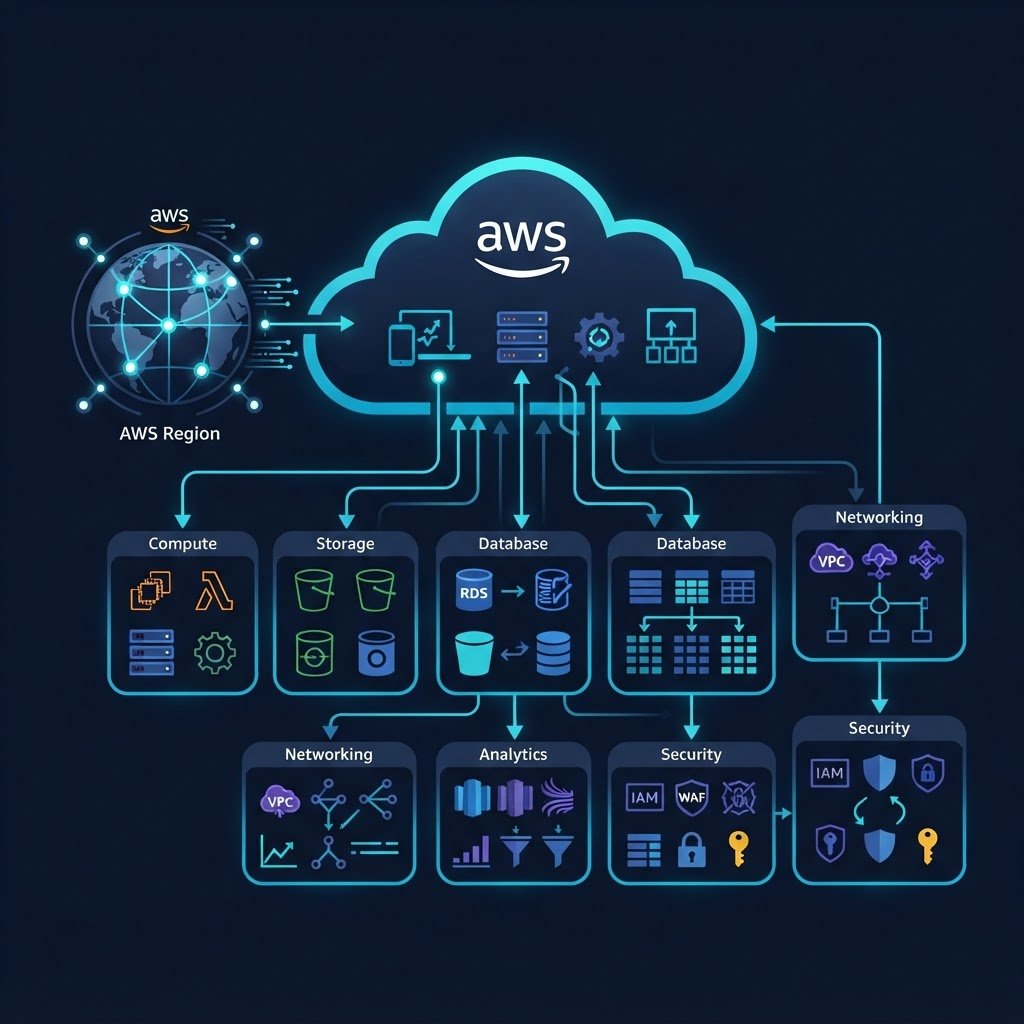
This guide covers aWS service categories step by step, with every setting in the order you will use it. AWS offers more than 200 services, which sounds overwhelming until you realize they are organized into a handful of clear categories. AWS can add new categories over time, but these core groups cover what most architects and certification candidates need to know.
dns LAB TOPOLOGY & PREREQUISITES
# example values used while writing and testing this guide
AWS ACCOUNT
LAB ENVIRONMENT
VALIDATION
01constructionAWS service categories: Compute
First, compute services run your applications. For example, EC2 provides virtual servers, while Lambda runs code without managing servers. In addition, ECS and EKS orchestrate containers, and Elastic Beanstalk offers a managed application platform.
02downloadStorage
Next, storage keeps every byte your lab creates. Specifically, S3 holds objects, EBS volumes attach to EC2, EFS shares files, and Glacier archives cold data. Besides that, the AWS storage services guide walks through each one in a lab.
03usbDatabase
Then, database services manage the data layer. RDS and Aurora handle relational workloads, while DynamoDB serves NoSQL. In addition, Redshift powers analytics, and ElastiCache adds in-memory speed. See the AWS database services guide for the full walkthrough.
04terminalNetworking and Content Delivery
Networking and content delivery connect everything together. For instance, the VPC gives you a private network, Route 53 resolves DNS, and CloudFront serves content from edge locations. Moreover, Direct Connect links your data center, and Elastic Load Balancing spreads traffic across servers.
05settings_ethernetSecurity, Identity and Compliance
Security, identity and compliance protect the whole account. IAM controls users and permissions, while Organizations manages multiple accounts. Furthermore, KMS guards keys, Shield and WAF absorb attacks, and Secrets Manager stores credentials safely.
06languageAnalytics
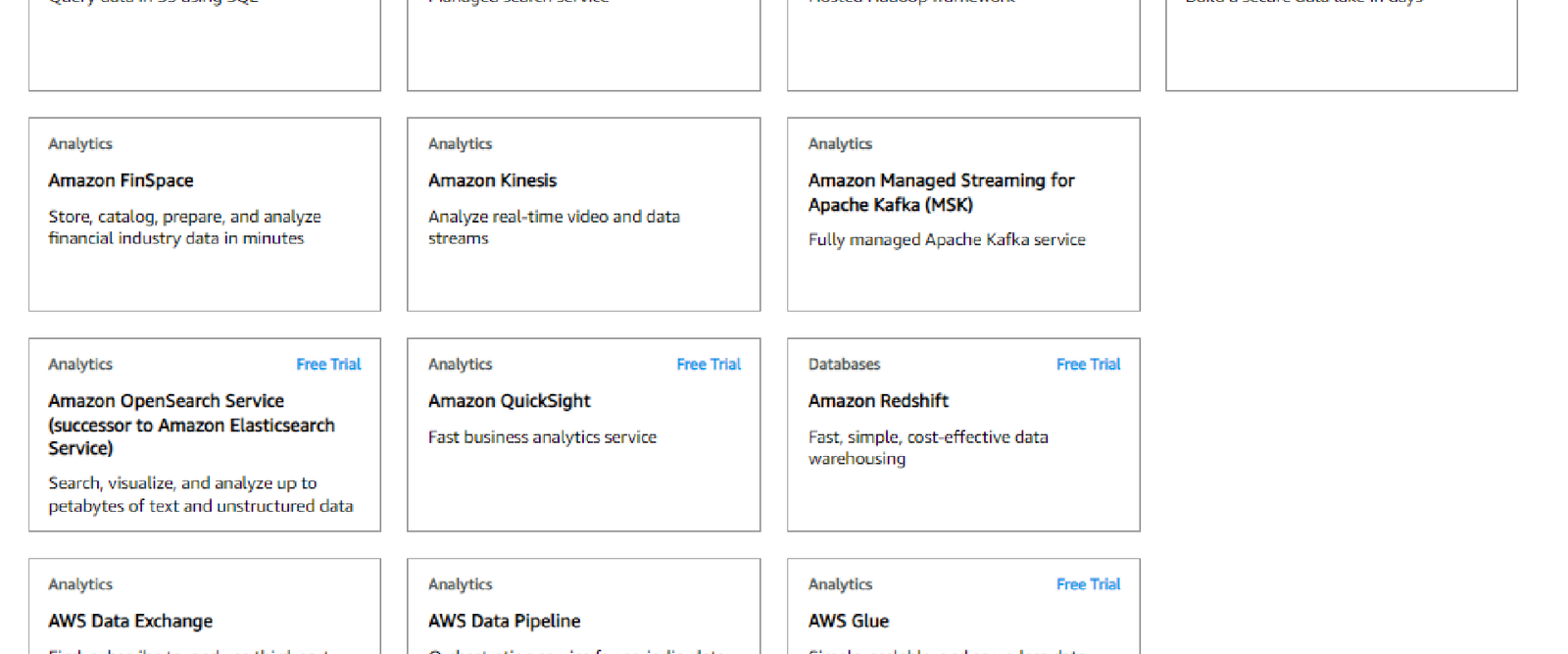
Analytics turns raw data into answers. For example, Athena queries S3 with SQL, EMR processes big data, Kinesis streams events in real time, and QuickSight builds dashboards.
07dnsMachine Learning and AI
Machine learning and AI come next. SageMaker builds and trains models, and ready-made services add text, vision and speech features without any data science work.
08lanApplication Integration
Application integration glues services together. SQS queues messages, SNS publishes notifications, and EventBridge routes events between components.
09memoryManagement and Governance
Management and governance keep the account tidy. CloudWatch watches metrics, CloudTrail audits every action, and the Well-Architected Tool reviews your design against best practices.
10storageHow to Learn Them
Finally, learn the categories by building one small project per group. Because the free tier covers most of them, you can practice cheaply. Also, the AWS projects page lists starter ideas for each category.
AWS Storage Services Explained: S3, EBS, EFS and Glacier
Finish this lab, then continue down the track. Each guide builds on the one before it.