This Windows Server Hub collects every enterprise server lab on the site into one structured pathway. First, you install the OS in a safe virtual machine. Then, you configure storage, Active Directory and the core network services a real business runs on. In addition, each guide is tested on the exact home lab hardware described below, so no step assumes a datacenter budget.
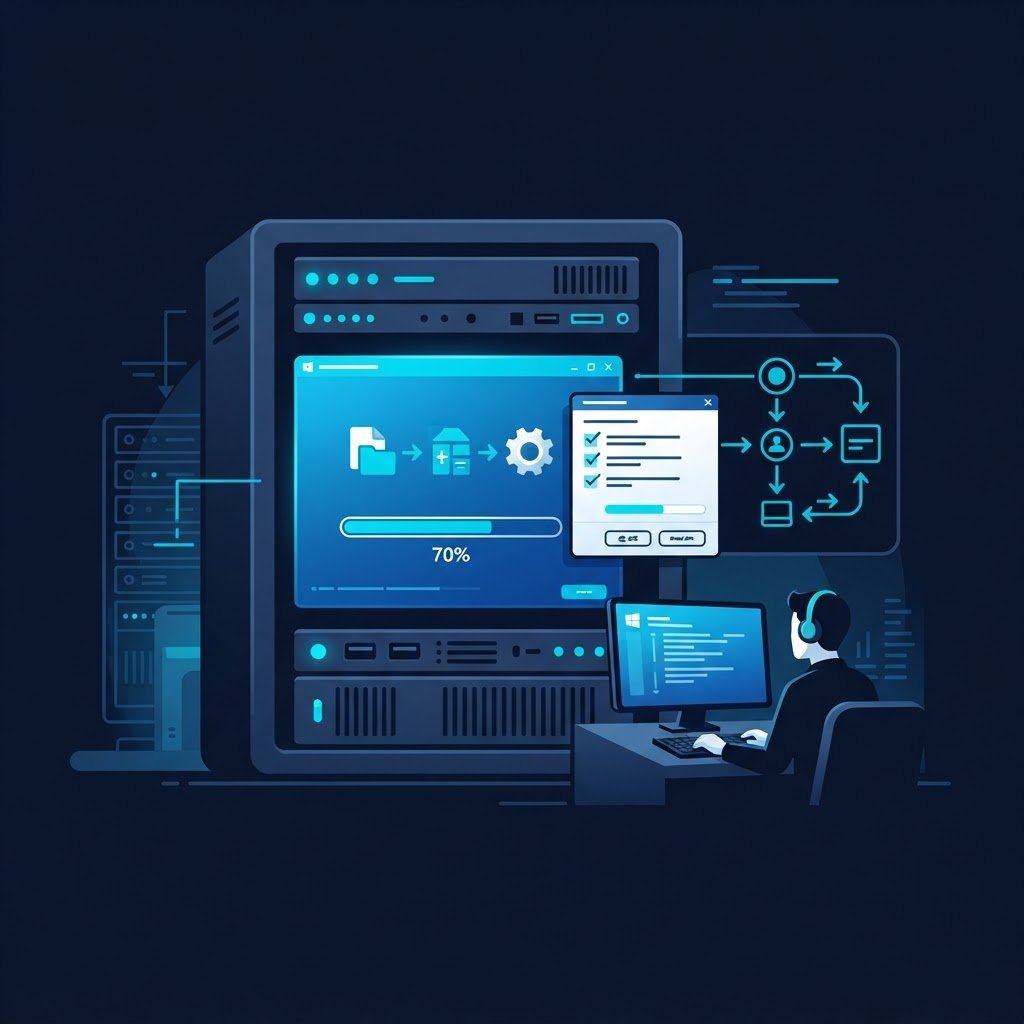
This Windows Server Hub walks from a clean VM to a production-style Active Directory forest. For example, you start with the install, then configure disks, DNS, DHCP and a domain, and finally run Hyper-V with real virtual networking. In addition, every lab uses the same low-cost hardware blueprints below, so the enterprise skills transfer without the enterprise bill.
dc01-primary.labPDC HOLDER
dc02-replica.labREPL OK
hyperv-node-01HYPER-V UP
s2d-pool-01 · 2x 1TB NVMeHEALTHY
# dcdiag /test:replications
result · 0 errorsPASSED
Homelab Hardware Blueprints
You do not need enterprise hardware to build this forest. These four builds were tested with the tutorials on this Windows Server Hub, and each tier runs the labs comfortably. For example, the free VM host runs every Phase 1 and Phase 3 lab, while the 2-node S2D cluster mirrors a real branch office. Also, all four support the same 64 GB ECC target used in production sizing. Before you buy, run the homelab hardware calculator to size the build for your exact VM count.
Free VM Host
VMware Workstation on the PC you already own runs the full Active Directory track.
- memory 16 GB host RAM
- database 60 GB thin disks
- bolt No new purchase
Budget Mini Node
A Lenovo M720q Tiny or HP EliteDesk 800 G4 carries Server 2016 or 2019 bare metal.
- memory 32 GB DDR4
- hard_drive NVMe boot + SATA data
- bolt 35W idle power
Compact Cluster Node
The Minisforum MS-01 pairs dual 10GbE SFP+ with a 13th-gen Intel CPU for Hyper-V duty.
- memory 64 GB ECC target
- hard_drive 3x NVMe bays
- bolt Dual 10G SFP+
Enterprise 1U Rack Server
A used dual-Xeon 1U with IPMI runs the 2-node S2D cluster like a real branch office.
- memory 128 GB ECC
- hard_drive 1 TB NVMe RAID
- bolt Redundant PSU and fans
Curated Windows Server Learning Pathways
These four phases take you from an empty VM to a running hybrid-style infrastructure. First, you install the OS and understand its roles. Then, you build storage. Next, you raise the Active Directory forest and its services. Finally, you virtualize everything under Hyper-V, because the same skills power Windows Server 2025 and Azure Arc environments.
01 · PHASE5 guides
Foundation & Installation
Prepare the lab, tour the OS editions, then install Server 2016 and 2019 in VMware Workstation.
- check_circle Lab prerequisites checklist
- verified Server editions and roles
- task_alt 2016 and 2019 installs
Explore Phase 1 →
02 · PHASE3 guides
Storage & Data Efficiency
Configure disks, volumes and server storage, then cut disk waste with data deduplication.
- check_circle MBR, GPT and dynamic disks
- verified NTFS and ReFS volumes
- task_alt Data Deduplication savings
Explore Phase 2 →
03 · PHASE9 guides
Identity & Core Services
Raise the AD DS forest, add DHCP, DNS, web, database and mail services a business needs.
- check_circle AD DS and DNS in one lab
- verified Domain controller promotion
- task_alt DHCP, IIS, SQL, Exchange
Explore Phase 3 →
04 · PHASE4 guides
Hyper-V & Virtual Networking
Install Hyper-V, tune VM settings and wire virtual switches so VMs share the data network.
- check_circle Hyper-V role install
- verified VM settings deep dive
- task_alt vSwitch network labs
Explore Phase 4 →
Windows Server Hub Tutorial Grid
Every guide below was written after the lab actually ran. For example, the mail server tutorial installs Exchange 2019 on the same domain you built in Phase 3. Besides that, the grid follows the phase order above, so you can start at the top and work down. However, if you already own a domain, jump straight into the services you need.
Before You Begin Windows Labs
First, check the hardware, ISO and snapshot habits every safe server lab starts with.
Open this lab →
Fundamentals
Windows Server Operating System
Then, tour editions, licensing and the role-based design that separates server from client.
Open this lab →
Install Lab
Install Windows Server in VMware Workstation
Next, build the virtual machine and install the OS in a safe, snapshot-friendly sandbox.
Open this lab →
Server 2016
Install Windows Server 2016 in a VM
Also, install the 2016 step-by-step: desktop experience, static IP and first login.
Open this lab →
Server 2019
Install Windows Server 2019
After that, repeat the install on 2019 and compare setup, desktop and tooling changes.
Open this lab →
Disks
Configure Disks and Volumes
Then, initialize disks, pick MBR or GPT and mount NTFS volumes the correct way.
Open this lab →
Storage
Implement Server Storage
Next, plan storage pools, spaces and tiers so the lab mirrors real file servers.
Open this lab →
Dedup
Implement Data Deduplication
Because file servers waste disk, dedup routinely saves half the space on general shares.
Open this lab →
AD DS
Install & Configure AD DS and DNS
First, install the directory and DNS together, so your forest resolves from minute one.
Open this lab →
Domain
Create a Domain Controller
Then, promote the server to a full domain controller for the huda.lab forest.
Open this lab →
Identity
Create and Manage Users and Groups
Next, build OUs, security groups and users the way a real helpdesk would.
Open this lab →
DHCP
Install & Configure DHCP Server
After that, hand out addresses with scopes, reservations and exclusions for the lab subnet.
Open this lab →
DNS
Install & Configure DNS Server
Then, add zones, forwarders and records so name resolution works end to end.
Open this lab →
Web
Install & Configure Web Server
Next, host a site on IIS with app pools, bindings and a first static page.
Open this lab →
Database
Install & Configure Database Server
Then, deploy a SQL Server instance and connect it to the domain for services.
Open this lab →
Install & Configure Mail Server
Finally, route mail inside the domain with SMTP, mailboxes and client access.
Open this lab →
Exchange
Configure Exchange Server 2019
In addition, run the modern Exchange walkthrough on the same forest you already built.
Open this lab →
Hyper-V
Install & Configure Hyper-V
First, add the Hyper-V role and build the virtual switches your VMs will use.
Open this lab →
VM Settings
Configure VM Settings in Hyper-V
Then, tune CPU, memory, checkpoints and integration services per workload.
Open this lab →
vNet Lab
Put Two VMs in the Same Network
Next, wire both VMs to one virtual switch so they ping like real rack neighbors.
Open this lab →
Data Net
Connect a VM to the Data Network
Finally, bridge a VM to the physical LAN, the last step before production-style testing.
Open this lab →
Verified Windows Tooling & Cost-Free Stack
Every tool that manages this hub is free or already inside the OS. For example, PowerShell automates what the GUI does by hand, while Windows Admin Center runs the browser-based dashboard a remote team would use. Also, the same tools manage Server 2016 today and Server 2025 tomorrow.
PowerShell 7
Automate installs and users with one-liners: New-ADUser, Install-WindowsFeature and more.
- terminal Get-ADUser -Filter *
- bolt Cross-version scripts
- verified Works on all editions
Windows Admin Center
Manage servers, certificates and storage from a browser pane, exactly like a branch office.
- monitoring Health dashboard
- settings_ethernet Remote gateway mode
- verified No license needed
Server Manager
Because role installs repeat in every lab, Server Manager batches them remotely in one pass.
- dns Remote role installs
- policy Best Practices Analyzer
- verified Built into the OS
Evaluation ISOs
Microsoft hosts 180-day evaluation ISOs for 2016, 2019 and 2025, so lab licenses cost nothing.
- download 180-day trials
- bolt Full feature parity
- task_alt Datacenter edition
Watch the Server Labs on YouTube
Every build in this Windows Server Hub has a companion video walkthrough. For example, the domain controller video mirrors the Phase 3 promotion guide step by step. In addition, new server demos are published each month, so the playlist grows with the hub. Meanwhile, subscribe once and the walkthroughs find you.
Official Documentation & Server Resources
Server Technology Hub
Every Windows Server and Ubuntu lab cataloged in one registry.
Windows Server Hub Questions
Should I learn Windows Server 2016, 2019 or 2025?
Start with 2016 or 2019, because the evaluation ISOs are free and the tutorials here run on both. Then, the same Server Manager, PowerShell and Hyper-V skills carry straight into Server 2025. In addition, the concepts barely changed between editions.
Do I need enterprise hardware for this Windows Server Hub?
No, you do not. The free VM host tier runs the whole track on the PC you already own. However, if you later want S2D clustering, the $720 compact node or a used 1U server gets you there without a datacenter budget.
Which guide should I start with?
Begin with the prerequisites guide, because every later lab assumes a safe snapshot point and enough RAM. After that, follow the four phases on this hub in order. Finally, bookmark this page so you can track your progress.
Can one server run AD, DHCP, DNS and Hyper-V together?
It can in a lab, and that is exactly how the tutorials here build up. However, real production separates domain controllers from other roles, so the labs show you where the lines are drawn before you mirror them.
In short, treat this Windows Server Hub as the master index for your enterprise server journey. Each phase links to guides that build on the previous one, while the hardware blueprints keep the budget realistic. For example, the free VM host starts the whole track today. Finally, subscribe on YouTube, because new server labs are published as they are filmed.
Generate Configs and Plan Your Exams
Script and Config Generator
Build Netplan YAML, PowerShell scripts, kickstart files and CloudFormation for this hub’s labs.
Certification Roadmap
Map these labs to the matching exam blueprint, then track readiness before you book.
Hardware Benchmark Matrix
Compare CPU scores, RAM ceilings, idle power and price per point before you buy.
Technology Topic Directory
Then, search every published guide by keyword, pillar and level from one page.