This guide shows how to connect VM to data network step by step, with every setting in the order you will use it. VMs start life on whatever network their adapter is attached to. To give a VM real reachability — internet access, contact with your LAN, or a specific lab VLAN — you connect it to your data network, the segment that carries actual traffic. Here is how it works on ESXi.
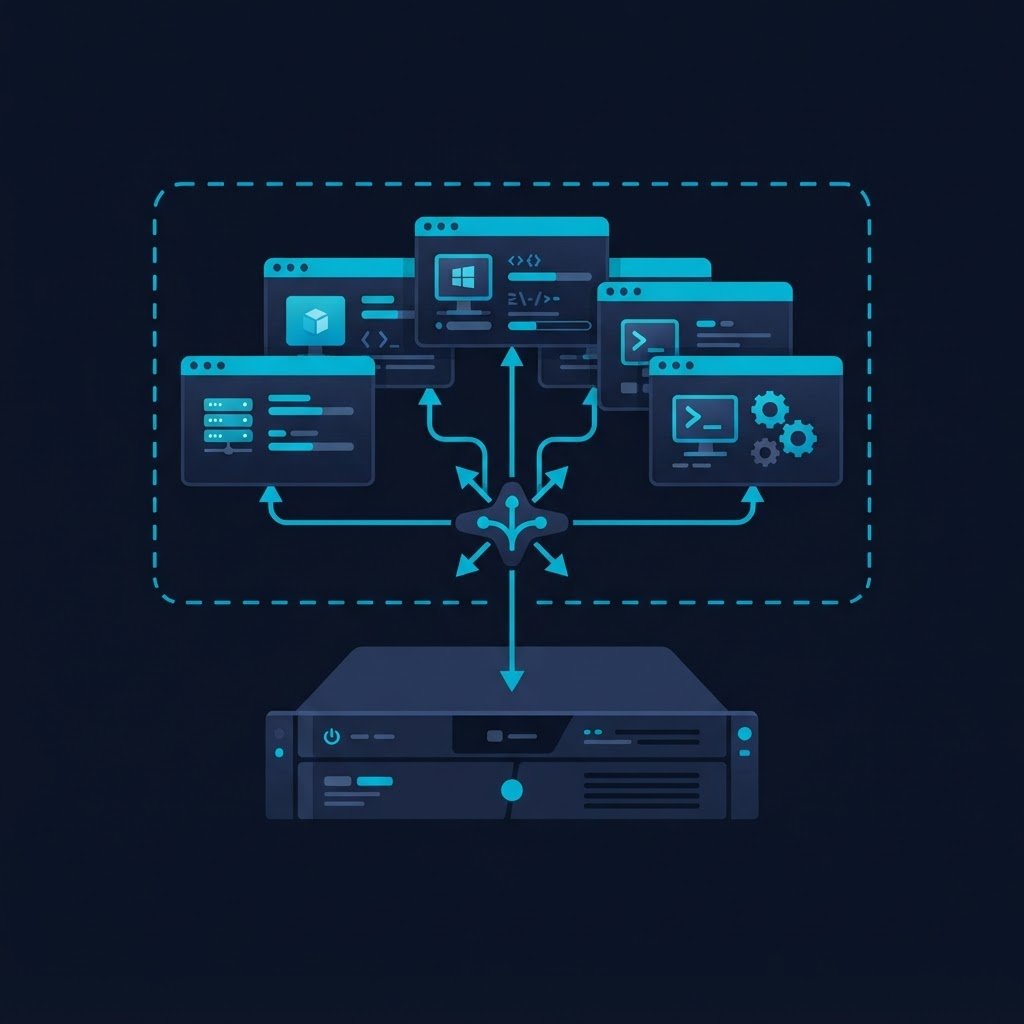
dns LAB TOPOLOGY & PREREQUISITES
# example values used while writing and testing this guide
LAB VM
WINDOWS BUILD
VALIDATION
01constructionStep 1: Identify the Right Port Group
Open Networking → Port groups and find (or create) a port group whose uplinks map to the physical NIC that reaches your data network. Check the VLAN ID: use 0 for untagged access to the physical LAN, or the VLAN number your switch expects for a tagged segment. See managing virtual networks for how port groups, uplinks and VLANs relate.
02downloadStep 2: Attach the VM
Edit the VM’s settings, set its network adapter to that port group, choose the right adapter type (E1000 for compatibility, VMXNET 3 for performance once VMware Tools is installed) and power it on.
03usbStep 3: Configure the Guest IP
Inside the guest, either enable DHCP so it picks up an address from your LAN’s DHCP server, or set a static address in your LAN’s addressing plan. Also set the gateway and DNS — without a gateway the VM can reach its own subnet only, and without DNS name resolution fails.
04terminalStep 4: Verify End to End
- Ping the default gateway from the guest
- Ping a public IP such as
8.8.8.8to prove routing works - Resolve a name such as
google.comto prove DNS works - From your workstation, connect to the VM (SSH or RDP) to prove inbound access
If any step fails, recheck the VLAN ID against your physical switch, the port group uplink, and the guest’s firewall. Once connected, you can move the VM between networks or put more machines on the same segment as in the two-VM exercise.
Related Content
Explore the Next Track
You finished this track, so pick the next one from the homepage hub.