The Windows Server operating system powers most business networks, and this overview explains what it is and how people use it. In addition, it maps each server role to the labs elsewhere on this site.
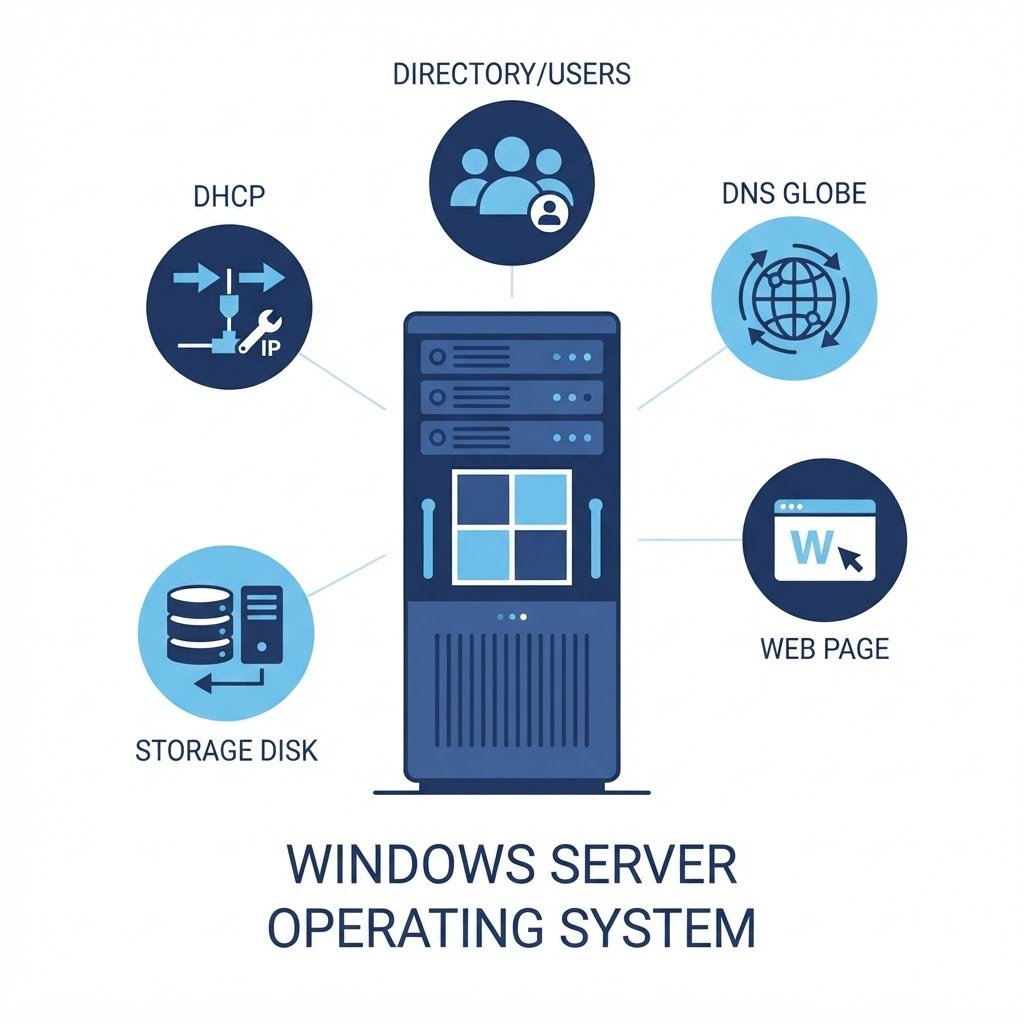
Windows Server is the operating system that runs most corporate back-ends: domain controllers authenticating logons, file servers, database hosts, web farms and virtualization platforms. It looks like Windows 10/11 on the surface (with Desktop Experience installed), but it is built and licensed for services, not for sitting at a desk.
dns LAB TOPOLOGY & PREREQUISITES
# example values used while writing and testing this guide
LAB VM
WINDOWS BUILD
VALIDATION
01constructionHow It Differs From Windows 10/11
- Roles and features: instead of apps, you install server roles — Active Directory, DNS, DHCP, IIS, Hyper-V, file services — via Server Manager
- No consumer apps: no Microsoft Store, no Cortana; components exist to serve other machines
- Concurrent access licensing: users and devices need CALs to use most services
- Server management focus: tools like PowerShell, Server Manager and Remote Server Administration Tools exist to run many machines, not one
02downloadEditions and Install Types
The Standard edition covers almost every use (including two virtual instances); Datacenter adds unlimited virtualization and software-defined features. Each edition installs either with the full desktop or as Server Core, the minimal command-line install that reduces patching and attack surface — increasingly the default in production. Evaluation ISOs are free for 180 days, which is how every lab (and this entire site’s tutorial series) runs.
03usbThe Roles You Will Actually Use
- Active Directory Domain Services — the directory of users and computers
- DNS and DHCP — the network’s naming and addressing
- File and Storage Services — shares, quotas, deduplication
- Web Server (IIS) — websites and app hosting
- Hyper-V — virtualization, running other servers inside this one
04terminalGetting Started
The best first step is installing one in a VM: Windows Server 2016 in a virtual machine or Windows Server 2019. Add roles one at a time, break things, restore your snapshot — that is how server administration is actually learned. Compare the experience with Linux using the Ubuntu guides.
Q&AquizFrequently Asked Questions About the Windows Server Operating System
Can I use Windows 10 instead of Windows Server?
You can run basic services on a desktop OS, but the server roles like Active Directory, DHCP and failover clustering only exist on Windows Server. That is why labs use the real thing.
What is the difference between Desktop Experience and Core?
Desktop Experience gives you the full GUI. Core installs without one, which makes it lighter and more secure, but you manage it from PowerShell or remote tools.
How long does the evaluation last?
180 days, which covers a full learning cycle. Afterwards you simply deploy a fresh VM from your ISO.
Do I need CALs in a lab?
No. Client access licenses only matter for production users. Evaluation editions work fully without them for learning.
EXTopen_in_newExternal Resources
These official guides go deeper on the Windows Server operating system.
Related Content
- How to Install Windows Server 2016 in a Virtual Machine
- How to Install Windows Server 2019
- How to Build a Home Lab
How to Configure Disks and Volumes in Windows Server 2016
Finish this lab, then continue down the track. Each guide builds on the one before it.