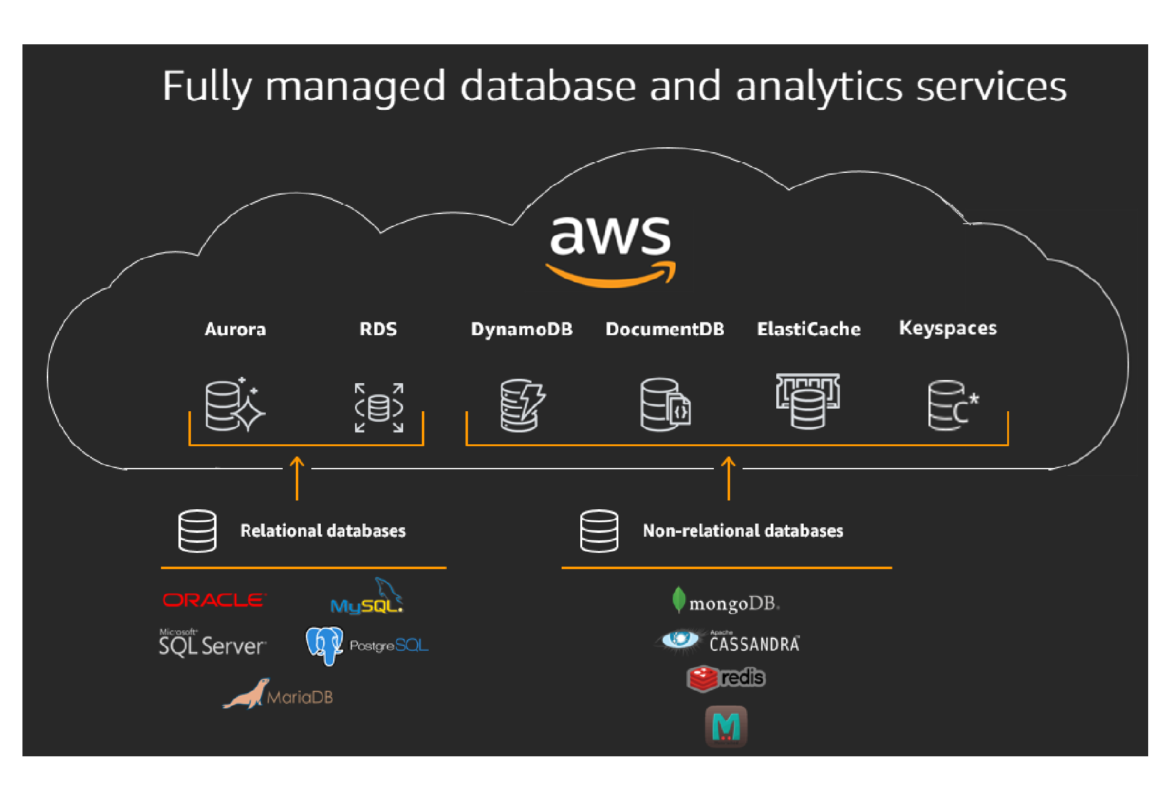


AWS database services remove most of the server administration work from running a database, which makes them perfect for learning projects. In addition, the free tier covers several of them, so you can practice at no cost.
Running a database yourself means patching, tuning, backing up and keeping it available at 3 a.m. AWS database services take that operational burden away by managing the database engine for you, so you only focus on your data and your queries. These are the services worth knowing first.
dns LAB TOPOLOGY & PREREQUISITES
# example values used while writing and testing this guide
AWS ACCOUNT
LAB ENVIRONMENT
VALIDATION
01constructionAWS database services: Amazon RDS — Managed Relational Databases
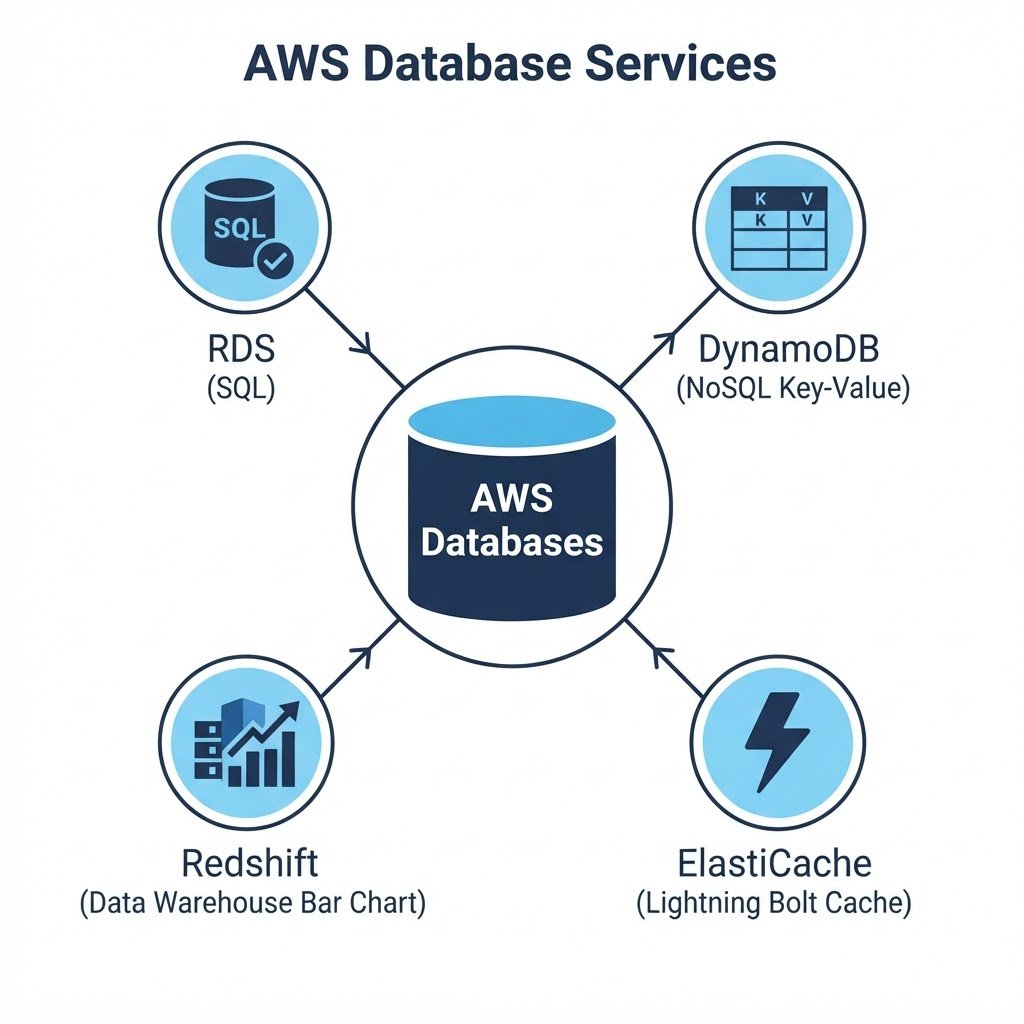
Amazon Relational Database Service (RDS) runs traditional SQL databases (MySQL, PostgreSQL, MariaDB, Oracle and SQL Server) as managed instances. AWS handles patching, backups, high availability and, with Multi-AZ deployment, an automatic failover copy in a second Availability Zone. RDS is the default choice for applications that need classic SQL.
02downloadAmazon Aurora — High-Performance SQL
Amazon Aurora is AWS’s own database engine, MySQL- and PostgreSQL-compatible, but up to five times faster than standard MySQL and with storage that grows automatically from 10 GB up to 128 TB. Aurora replicates six copies of your data across three Availability Zones by default, making it the strongest managed relational option on AWS. In short, AWS database services works best when you follow the order above and verify each step.
03usbAmazon DynamoDB — Serverless NoSQL
Amazon DynamoDB is a key-value and document database that scales to virtually unlimited requests with single-digit millisecond latency. There are no servers to manage at all, which makes it popular for gaming leaderboards, IoT data, shopping carts and mobile backends. It is always free within the AWS Free Tier limits.
04terminalAmazon Redshift — Data Warehousing
Amazon Redshift is a petabyte-scale data warehouse built for analytics: it stores historical data from many sources and runs fast SQL queries across billions of rows using columnar storage and massively parallel processing. Use it for reporting and business intelligence, not for powering a website.
05settings_ethernetAmazon ElastiCache — In-Memory Caching
Amazon ElastiCache runs Redis or Memcached in memory. Applications use it to cache frequent query results, session data and leaderboards, taking load off the main database and cutting response times from milliseconds to microseconds.
06languageChoosing the Right AWS Database
| Service | Model | Use it for |
|---|---|---|
| RDS | SQL (managed) | Standard web and business applications |
| Aurora | SQL (AWS engine) | High-performance, highly available SQL workloads |
| DynamoDB | NoSQL | Massive scale, low latency, serverless apps |
| Redshift | Data warehouse | Analytics and reporting |
| ElastiCache | In-memory cache | Caching and sessions |
 In short, AWS database services works best when you follow the order above and verify each step.
Q&AquizFrequently Asked Questions About AWS Database Services
What is the difference between RDS and DynamoDB?
RDS runs classic SQL engines such as MySQL and PostgreSQL, so it fits applications that need joins and relations. On the other hand, DynamoDB stores key-value documents and scales instantly, which suits high-traffic apps.
Which databases are free to learn on?
The Free Tier covers RDS micro instances, 25 GB of DynamoDB storage, and enough ElastiCache for practice. As a result, you can study all three without cost.
Why choose Aurora over RDS?
Aurora is faster and replicates across three Availability Zones automatically. However, it costs more, so start with RDS for learning and choose Aurora for production workloads.
Where does Redshift fit?
Redshift stores historical data for analytics, not everyday application traffic. In other words, your app writes to RDS or DynamoDB, while reports read from Redshift.
EXTopen_in_newExternal Resources
These official guides go deeper on AWS database services.
Related Content
How to Create Amazon EC2 Instances (Step-by-Step)
Finish this lab, then continue down the track. Each guide builds on the one before it.