This guide covers windows Server lab prerequisites step by step, with every setting in the order you will use it. The Windows lab series on this site assumes a few things are in place before Lab 1. This page collects them: installation media, virtual machine settings, and habits that will save you hours of rebuilding later.
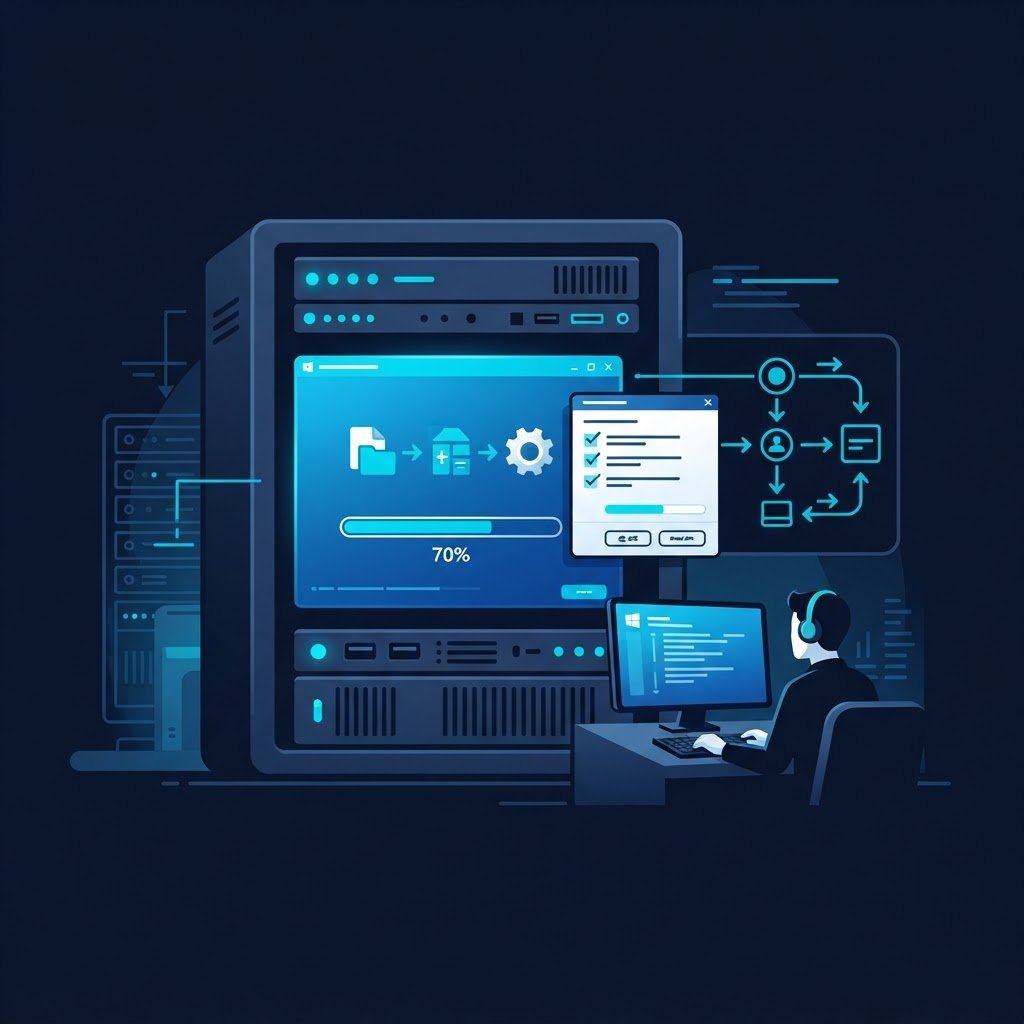
dns LAB TOPOLOGY & PREREQUISITES
# example values used while writing and testing this guide
LAB VM
WINDOWS BUILD
VALIDATION
01constructionGetting the Installation Media
- Windows Server: Microsoft offers a free 180-day evaluation ISO of Windows Server 2019/2016 — download it from Microsoft’s evaluation center. You do not need a product key to install it, and 180 days is far more lab time than you will ever need before re-deploying
- Windows 10: the media creation tool or evaluation ISO from Microsoft
- Ubuntu and other Linux guests: straight from the vendor sites
02downloadVirtual Machine Sizing
Consistent settings keep your host responsive and lab behavior predictable:
| Role | vCPU | RAM | Disk |
|---|---|---|---|
| Domain controller / DNS / DHCP | 1-2 | 2 GB | 60 GB |
| Member server (IIS, file, database) | 1-2 | 2-4 GB | 60 GB |
| Windows 10 client | 1-2 | 2-4 GB | 40-60 GB |
Install each guest with the Windows Server in a VM guide or the Server 2019 guide.
03usbHabits That Save the Day
- Naming: use short, functional names —
dc01,web01,client01— and matching IP plans (192.168.x.10, .20, …) - Snapshots: take a snapshot right after a clean install, and before every risky exercise; restoring takes seconds versus hours of re-install
- ISO library: keep all installation ISOs in one folder your hypervisor can reach
- Notes: record passwords (a lab password manager file) and the IP plan in one place
04terminalWhat You Can Build Next
With the baseline ready, the series walks through the full stack: a domain controller, DNS, DHCP, web and file services — and the home lab guide wraps it into a complete learning environment.
Related Content
How to Install Windows Server in VMWare Workstation
Finish this lab, then continue down the track. Each guide builds on the one before it.