You should install VMware Tools right after the guest operating system, because it unlocks the performance and convenience features ESXi depends on. For example, copy-paste, time sync and graceful shutdown all need the tools running.
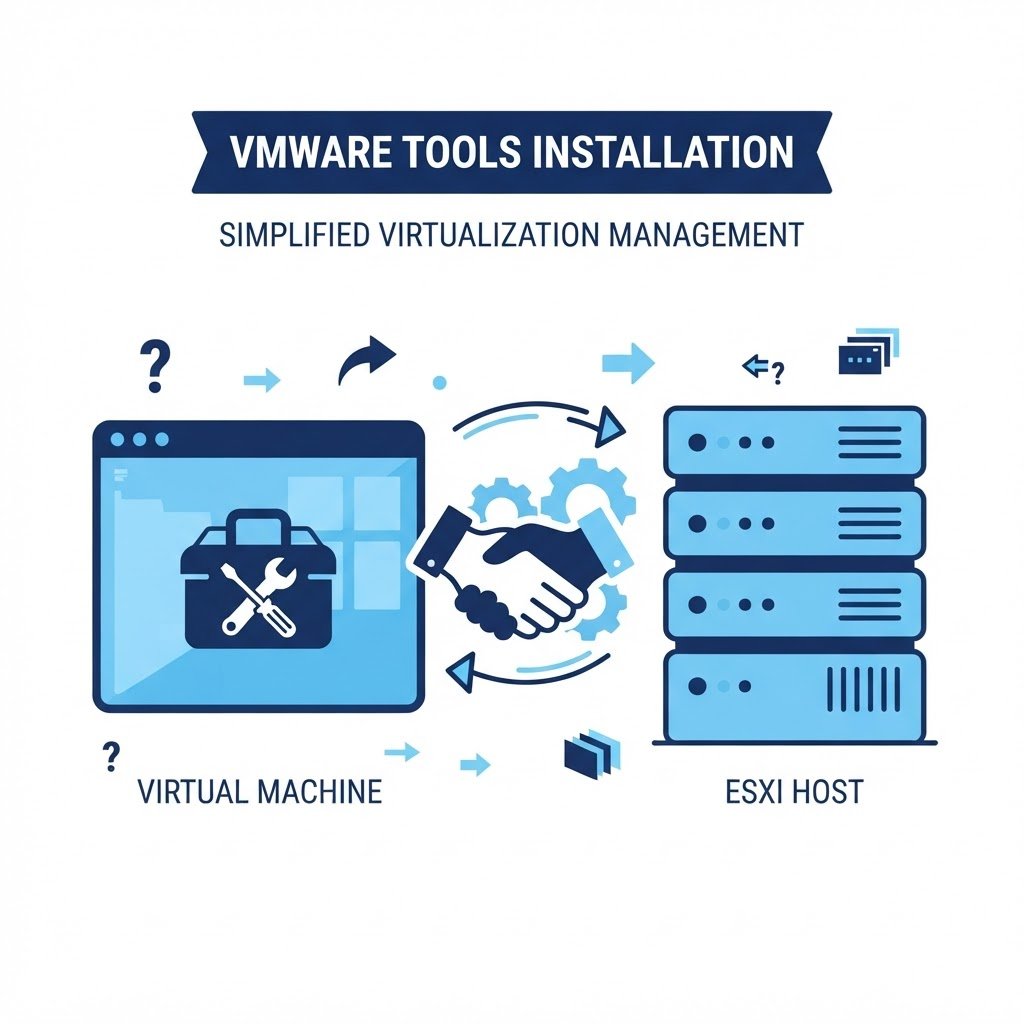
VMware Tools is the guest-agent package that lets a virtual machine cooperate with the hypervisor. Without it a VM is a black box: slow video, random clocks, no graceful shutdown and ballooning memory that never works. Installing Tools is the standard last step of every VM build.
dns LAB TOPOLOGY & PREREQUISITES
# example values used while writing and testing this guide
GUEST SPECS
HOST SIDE
RESULT
01constructionWhat VMware Tools Provides
- Drivers for the VMware SVGA video and vmxnet3 network adapters (much faster than emulated hardware)
- Time synchronization between guest and host
- Graceful shutdown and restart commands from the host or vCenter
- Heartbeat so the host knows the guest OS is actually running
- Memory ballooning so the hypervisor can reclaim idle guest RAM
- Copy/paste and mouse performance in the console
02downloadInstalling on a Windows Guest
Right-click the VM in the ESXi Host Client and choose Guest OS → Install VMware Tools. Windows mounts a virtual CD drive with the installer; run setup64.exe inside the guest, choose Typical, and reboot when finished.
03usbInstalling on a Linux Guest
Attach the Tools ISO the same way, then in the guest mount the CD and run the installer, or — the modern approach — install open-vm-tools directly from the distribution’s repository, for example sudo apt install open-vm-tools open-vm-tools-desktop on Ubuntu.
04terminalVerify It Worked
The VM’s Summary tab should show VMware Tools: Running, version current, and the guest will shut down cleanly when you issue a guest shutdown. For best performance also switch the VM’s network adapter to VMXNET 3 and the disk controller to PVSCSI when supported.
Watch: How to Install VMware Tools in ESXi Guest
Because some steps are easier to copy from video, this companion walkthrough mirrors the lab above. Also, the chapter pills follow the same order as the steps.
Q&AquizFrequently Asked Questions About Installing VMware Tools
What breaks when VMware Tools is missing?
Time drifts, shutdowns hang, video stays slow, and memory ballooning stops working. In short, every part of the host-guest cooperation suffers.
Should Linux guests use open-vm-tools?
Yes. The open-vm-tools package comes from the distribution’s own repository, installs with one command, and receives updates automatically. Therefore it is the recommended choice on Ubuntu.
How do I confirm Tools is running?
Check the VM’s Summary tab for “Running, version current”. Alternatively, run the status command inside the guest.
Do I need to install it after every lab rebuild?
Yes, a fresh OS install needs fresh Tools. Since you snapshot the clean machine anyway, as described in the home lab guide, install Tools before the baseline snapshot.
EXTopen_in_newExternal Resources
These official guides go deeper on installing VMware Tools.
Related Content
- How to Create Virtual Machines in ESXi Server
- How to Install an Operating System in a VM in ESXi Server
- How to Create a VMFS Datastore in ESXi Server
Create Virtual Machines in ESXi
Tools in place, you are ready to provision new VMs. Then the wizard walkthrough shows every hardware choice.