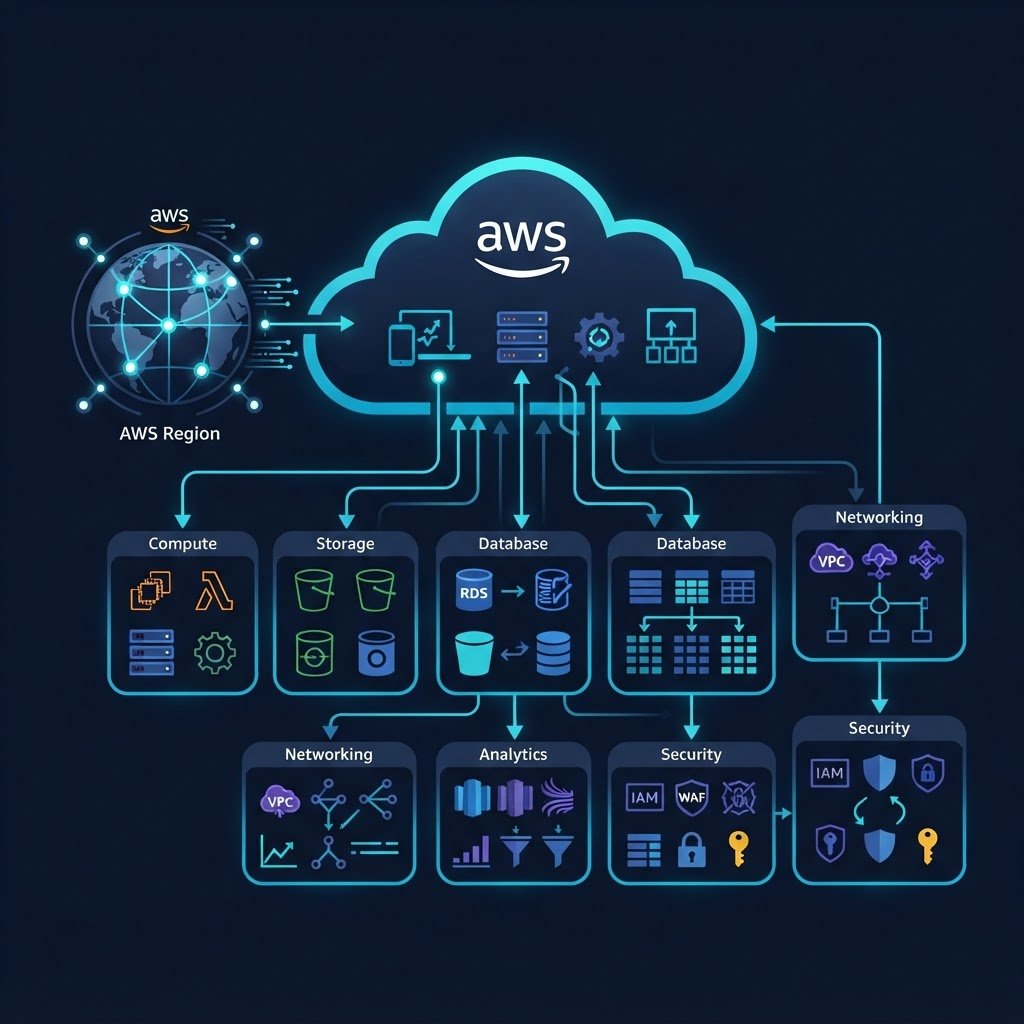
This guide covers amazon AWS step by step, with every setting in the order you will use it. Amazon Web Services (AWS) is the world’s largest cloud computing platform, offering more than 200 services from data centers around the globe. Instead of buying servers and renting机房 room, you rent computing power, storage and databases by the hour or by the gigabyte, and pay only for what you use.
dns LAB TOPOLOGY & PREREQUISITES
# example values used while writing and testing this guide
AWS ACCOUNT
LAB ENVIRONMENT
VALIDATION
01constructionWhat Is Cloud Computing?
In traditional IT, you buy hardware, install it in a data center and maintain everything yourself. With cloud computing, a provider like Amazon owns the hardware and offers it to you as an on-demand service over the internet. This turns IT from a large upfront investment (capital expense) into a variable monthly bill (operating expense) that automatically scales up when you are busy and down when you are quiet.
02downloadThe Three Cloud Service Models
- IaaS (Infrastructure as a Service): you rent virtual machines, networks and storage. Example: EC2 virtual servers.
- PaaS (Platform as a Service): the platform manages servers and runtime; you deploy code. Example: AWS Elastic Beanstalk.
- SaaS (Software as a Service): complete applications delivered over the internet. Example: web-based email or Office suites.
03usbWhy AWS?
AWS leads the cloud market because of its breadth of services (compute, storage, databases, machine learning, analytics and more), its global infrastructure of Regions and Availability Zones, its pricing model with pay-as-you-go and a free tier for learning, and a decade-long head start that means most enterprises run on it first.
04terminalWhat Can You Build on AWS?
Common starting points include hosting websites, running virtual servers for development and testing, storing backups, hosting databases, and building analytics pipelines. Practically every organization, from startups to governments, runs at least part of its IT on AWS, which is why cloud skills are in such high demand.
05settings_ethernetWhere to Go Next
- How to Create a Free Amazon AWS Account — get started at no cost
- AWS Global Infrastructure — Regions, Availability Zones and edge locations
- AWS Service Categories — a tour of what AWS offers
- AWS Storage Services and AWS Database Services
- How to Create Amazon EC2 Instances — launch your first server
AWS Global Infrastructure: Regions, Availability Zones and Edge Locations
Finish this lab, then continue down the track. Each guide builds on the one before it.