This guide covers aWS projects step by step, with every setting in the order you will use it. The fastest way to learn AWS is to build things — not to watch more videos. Below are the guided projects covered on this site, ordered from zero experience to comfortable intermediate. Each links to a full walkthrough with a demo video.
dns LAB TOPOLOGY & PREREQUISITES
# example values used while writing and testing this guide
AWS ACCOUNT
LAB ENVIRONMENT
VALIDATION
01constructionAWS projects: Project 0: Create Your Free Account
Everything starts here, and it is free: create a free AWS account and set a billing alarm so experiments can never surprise you.
02downloadProject 1: Launch Your First Cloud Server
Create an EC2 instance, connect over SSH, install a web server, and stop/terminate it when done. This one project teaches the console, AMIs, security groups, key pairs and pricing mechanics all at once. In short, AWS projects works best when you follow the order above and verify each step.
03usbProject 2: Host a Static Website on S3
Host a static website in an S3 bucket: upload content, enable static hosting, and optionally put CloudFront in front of it. This is the cheapest real-world hosting pattern on AWS.
04terminalProject 3: Back Up Your Instances Automatically
Back up and restore EC2 instances with AWS Backup: define a backup plan, run it on a schedule, and practice a real restore. Backup discipline is what separates a demo from production thinking.
05settings_ethernetProject 4: Choose and Run a Database
Read AWS database services explained, then deploy a small RDS instance and connect an application to it — or self-host MySQL using the Ubuntu database server guide on an EC2 instance and compare the experience.
06languageProject 5: Understand the Map
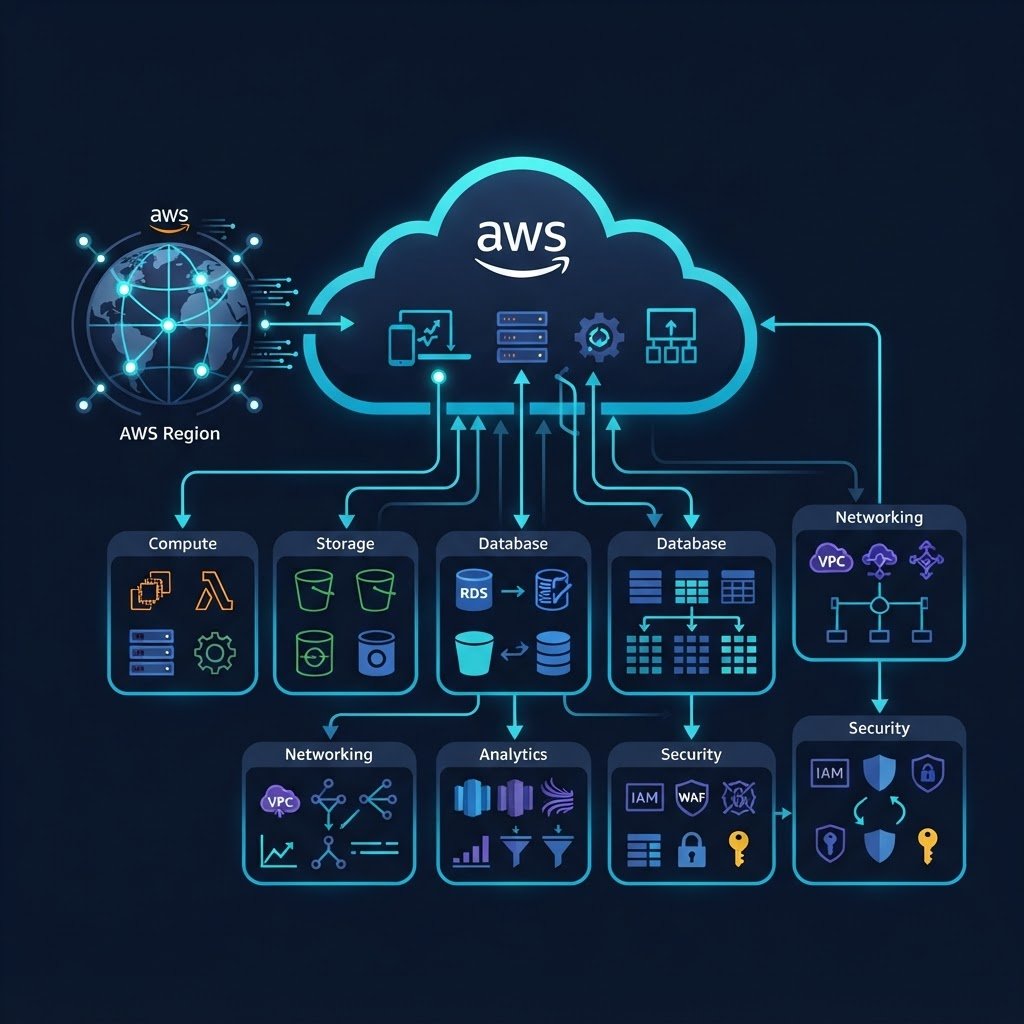
Round out your knowledge of what exists and where things live: what AWS is, the service categories, global infrastructure, storage services — the vocabulary you need before the Solutions Architect certification.
07dnsKeep Going
Once these five are comfortable, natural extensions are: a VPC with public/private subnets, a load-balanced auto-scaling group, an S3+Lambda serverless API, and connecting AWS with your own home lab over VPN. In short, AWS projects works best when you follow the order above and verify each step.
Related Content
Explore the Next Track
You finished this track, so pick the next one from the homepage hub.