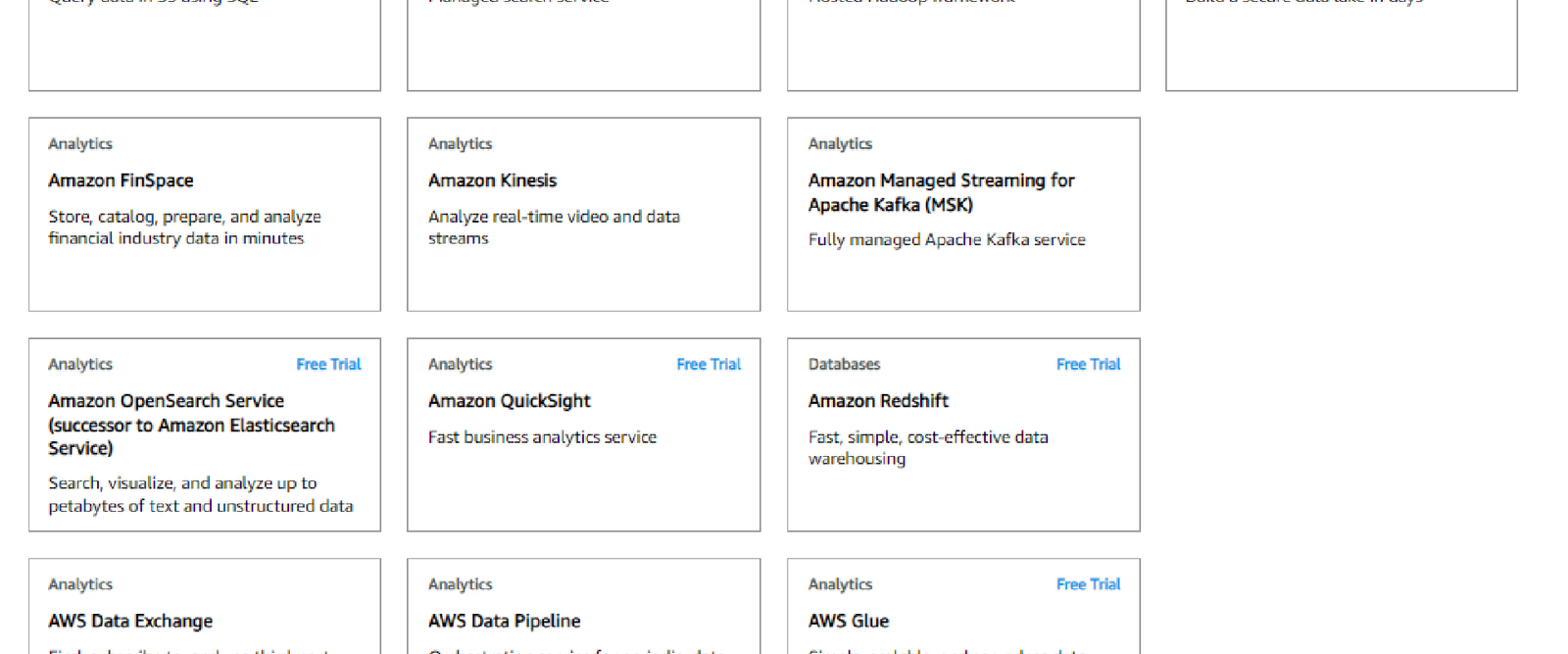

AWS offers more than 200 services, which sounds overwhelming until you realize they are organized into a handful of clear categories. AWS can add new categories over time, but these core groups cover what most architects and certification candidates need to know.
Compute
Services that run your applications: EC2 (virtual servers), Lambda (serverless functions that run code without servers), ECS/EKS (container orchestration) and Elastic Beanstalk (application platform).
Storage
Object, block and file storage: S3, EBS volumes for EC2, EFS shared file systems and Glacier for archives. See the full AWS storage services guide.
Database
Managed relational and NoSQL databases: RDS, Aurora, DynamoDB, Redshift and ElastiCache. See the AWS database services guide.
Networking and Content Delivery
VPC (your private network in the cloud), Route 53 (DNS), CloudFront (CDN), Direct Connect (dedicated connection to your data center) and Elastic Load Balancing.
Security, Identity and Compliance
IAM (users, roles and permissions), Organizations (multi-account management), KMS (key management), Shield and WAF (DDoS and web application protection), and Secrets Manager.
Analytics
Athena (query data in S3 with SQL), EMR (big data processing), Kinesis (real-time streaming) and QuickSight (dashboards).
Machine Learning and AI
SageMaker (build and train models) plus ready-made AI services for text, vision and speech.
Application Integration
SQS (queues), SNS (notifications), EventBridge (event routing) and Step Functions (workflow orchestration).
Management and Governance
CloudWatch (monitoring and logs), CloudTrail (API audit history), CloudFormation (infrastructure as code) and the AWS Well-Architected Tool.
How to Learn Them
Do not try to memorize all of AWS. Start with a free account, then work through the core categories in this order: compute, storage, networking, security, then databases. Each tutorial on this site links to the next, so you can build practical skills step by step.